Where to Put Your Review QR Code: 12 Spots That Get Scanned
The 12 places a Google review QR code actually gets scanned, matched to your business type, with the size each spot needs and five spots to avoid.
ReplyOnTheFly Team
Content Team
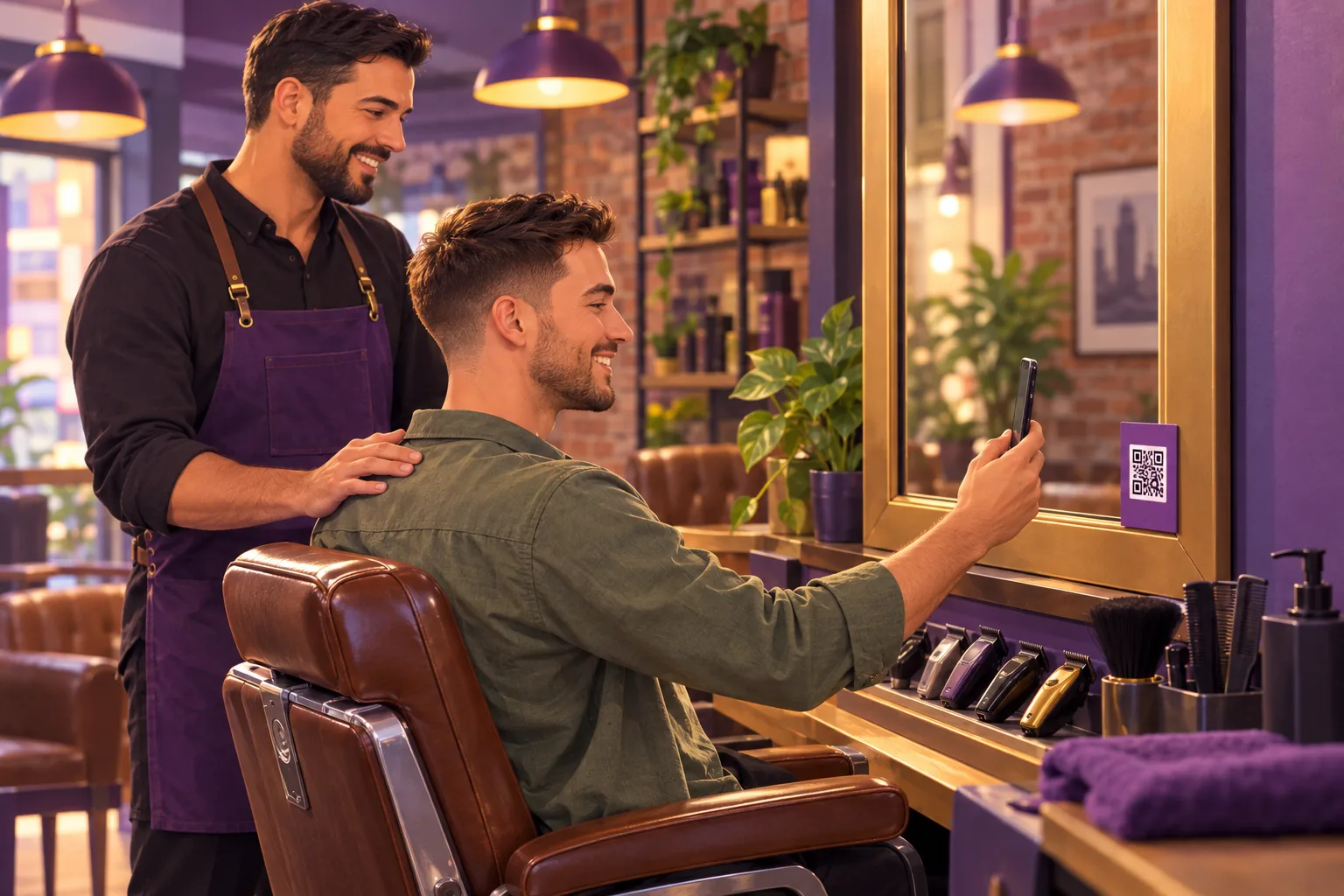
A review QR code only works if a happy customer is standing in front of it at the moment they are most willing to help. Most codes miss that moment. They sit on a shelf behind the counter, on the back of a door, or on a website where nobody has a second phone to scan with.
This guide covers the 12 placements that actually get scanned, which of them fit your kind of business, the size each one needs, and the five spots that look sensible and quietly waste the code.
Quick answer
Put your review QR code where the goodbye happens, at the point where a good visit ends and the customer is already holding their phone: the register, the bill folder, the salon mirror, the service desk. Add one placement that leaves with them, like a receipt footer or a business card, so people who meant to review later still can. Size the code for the distance it will be scanned from, and keep it out of pre-visit spots like street-facing windows.
Table of Contents
- The One Rule: Put It Where the Goodbye Happens
- 12 Places a Review QR Code Gets Scanned
- The Best Placement by Business Type
- How Big the Code Needs to Be in Each Spot
- 5 Places Not to Put a Review QR Code
- A Code Works Twice as Hard With a Person Beside It
- Staying Inside Google's Rules
- Frequently Asked Questions
- Conclusion
The One Rule: Put It Where the Goodbye Happens
Every placement on this list is a version of the same idea. A customer is most likely to leave a review in the few minutes after a visit ends well, and that willingness fades by the time they get home. Your code needs to be in front of them inside that window.
So before you print anything, do a two-minute walk. Start where a customer pays or gets their keys or their bag, and walk the exact path they take out of your door.
Notice where they stop, where they wait, and where their hands are free. Those pauses are your placements, and there are usually only two or three of them.
If you have not made the code yet, the Google review QR code guide covers getting Google's own version, making a branded one, and the five reasons printed codes fail to scan. This post assumes you have a code that works and asks the harder question of where it goes.
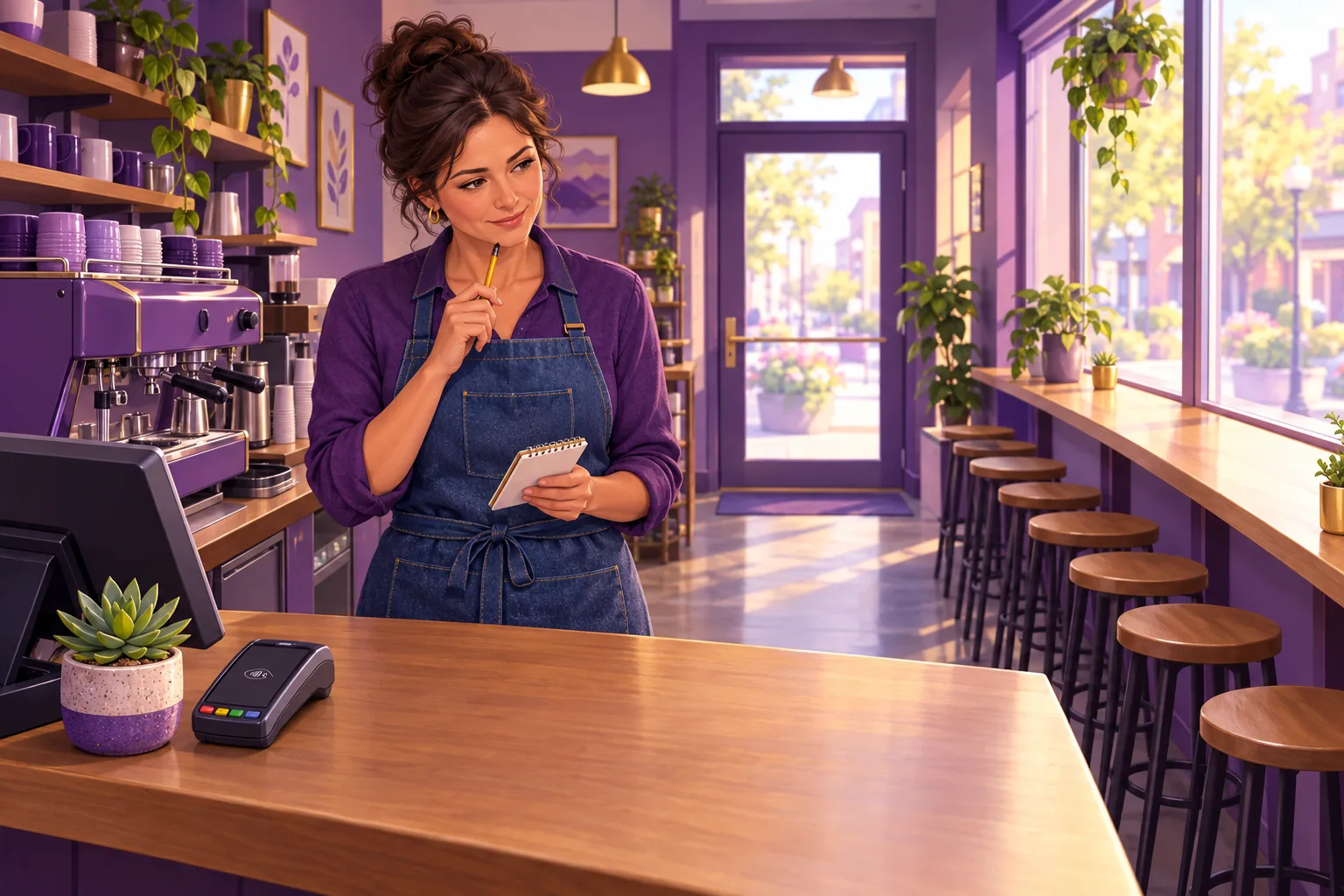
12 Places a Review QR Code Gets Scanned
The list runs roughly in order of how often each spot pays off. The first four are the goodbye moments. The next four leave with the customer. The last four catch everyone else: people on their way out, and people who never pass your counter at all.
1. A counter card at the register
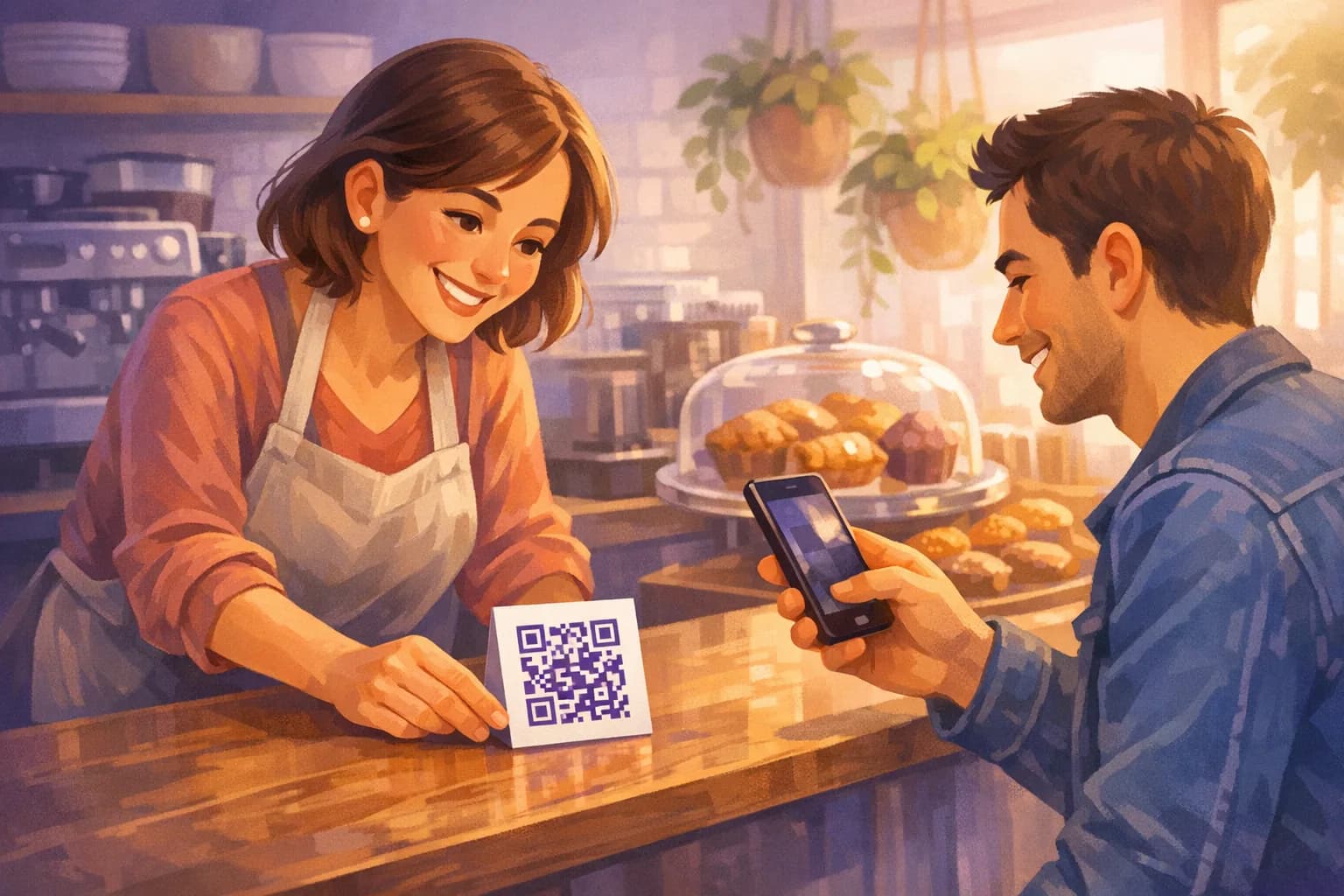
The register is the one place almost every customer stops with their phone already out, because they are about to pay with it. A small standing card beside the terminal, angled toward the customer, is the single highest-value placement for a shop, a cafe, or a bakery.
Keep the card short: one line of words and the code. Staff should be able to tap it as they hand back the card or the change.
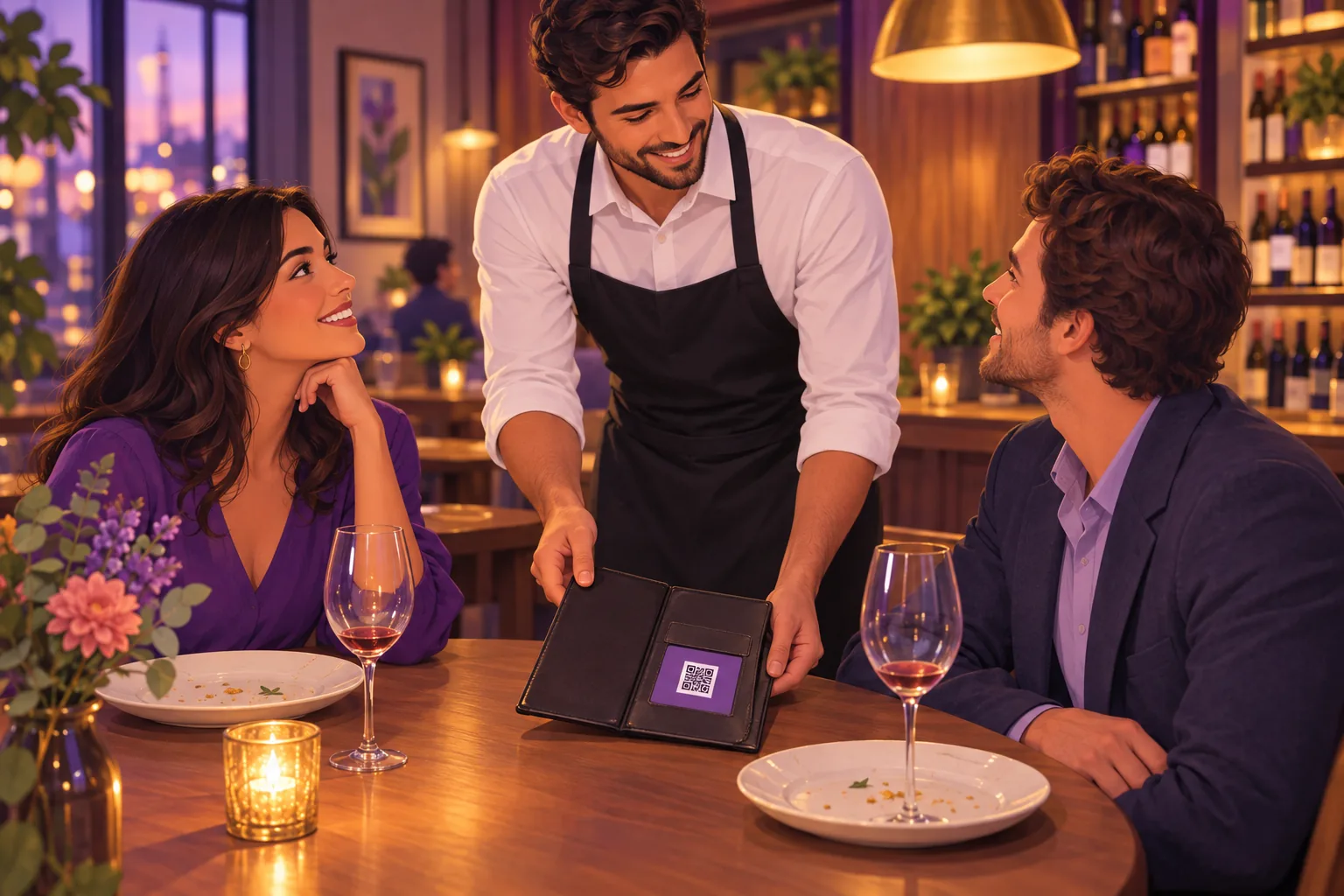
2. Inside the bill folder
For a table-service restaurant, the goodbye happens when the check arrives, not at the door. The customer opens the folder, reads the total, and waits for the card machine. That is a full minute of idle time with the phone in reach.
A business-card-sized code tucked into the folder's clear pocket, or printed on the check itself, catches that minute. Servers can point at it as they drop the check: "If tonight was good, that's the quickest way to tell us."
3. A table tent, but only after the meal
Table tents work at the table, and they fail at the table, and the difference is timing. A tent that sits there through the whole meal becomes furniture and gets ignored. One that arrives with dessert or the check is new, and new things get looked at.
If you cannot move the tent, put it on the side of the table the customer faces as they stand up to leave. Fold-ready table tents are one of the print formats you can download as a free review QR code, sized so the code clears the scan distance from a seated position.
4. The salon mirror, chair-side, or the service desk
Some businesses have a goodbye moment that is not the register at all.
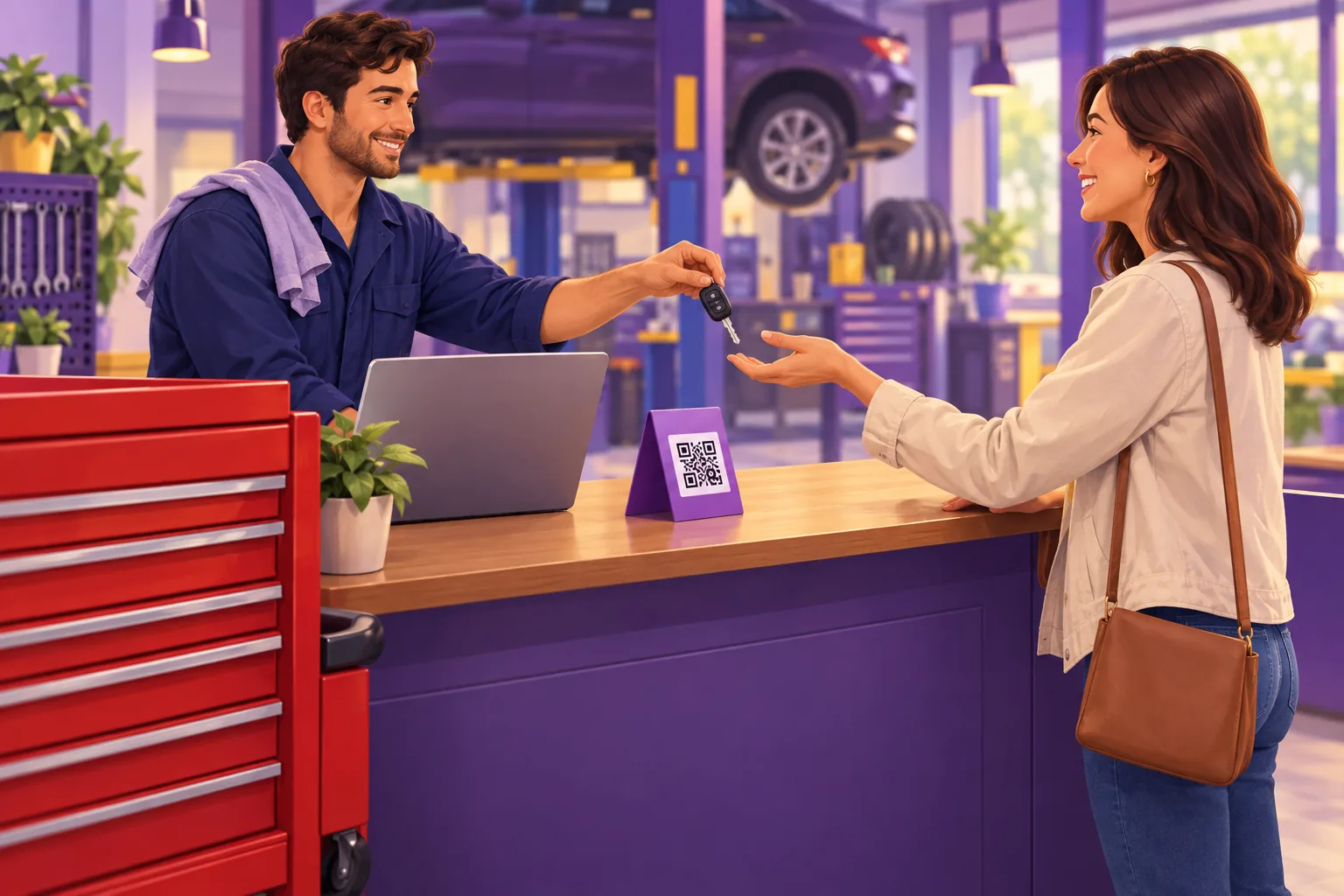
In a salon or barbershop it is the reveal in the mirror. In an auto shop it is the counter where the keys come back. In a dental or physio practice it is the front desk on the way out, after the good news.
Put the code where that moment happens, not just where the money changes hands. A small sticker in the corner of the mirror frame, or a counter card on the service desk, sits exactly where the customer is already looking when they feel best about the visit.
5. The receipt footer
Google's own guidance for the review QR code names receipts among the places to put it. A code at the bottom of a printed receipt travels home with the customer, which matters for everyone who meant to review later.
Two cautions. Thermal receipt printers blur small codes, so keep it at least one inch wide and test a real receipt, not a screen preview. And a receipt code with no words above it is just a square, so add one line: "Enjoy your visit? Scan to leave us a Google review."
6. The invoice or the leave-behind card
For plumbers, electricians, cleaners, landscapers, and anyone else who works at the customer's home, there is no counter. The goodbye happens in a driveway or a doorway, and the technician's hands are usually full.
The fix is a code on the invoice and a business card left on the kitchen counter. The technician asks out loud, then points at the card: "The code on that takes you straight to our Google page." The best time to ask for a review varies by trade, and a leave-behind card covers the ones who want to do it that evening.
7. Packaging, bags, and takeout inserts
Takeout and delivery customers never see your register or your walls. Their goodbye moment is opening the bag at home. A sticker on the bag, a card dropped in with the napkins, or a code printed on the box lid reaches them at the one point where your business is in front of them again.
This is also the answer for retail shops that ship. A small card in the parcel, with the code and one warm line, is the only in-hand moment an online order ever gets.
8. The appointment card or aftercare sheet
Practices and clinics hand almost every patient a piece of paper on the way out: the next appointment card, an aftercare sheet, a treatment summary. Print the code on it. The patient keeps the paper, and it surfaces again at home when they are calmer and have time.
For medical and dental businesses this is often the most comfortable placement, because it does not ask anyone to review while they are still in the chair.
9. A sign by the exit, inside, at eye level
A small sign beside the exit door catches customers in the short pause while they wait for a companion, put on a coat, or hold the door. It has to be inside, facing people on their way out, and at eye level. A code above the door frame or down by the floor is invisible.
Because people scan it from a few feet away, this code needs to be much larger than a counter card. The size table below covers exactly how large.
10. The waiting room, aimed at the way out
Waiting room posters are popular and usually mistimed, because the waiting room is where people sit before the experience, not after. A poster that faces the chairs is asking people to review a visit that has not happened yet.
Turn it around. Mount it so it faces the path from the treatment room or the service bay back to the door. The same poster, facing the other direction, now reaches people who have something to say.
11. The thank-you email or text
Google's guidance also lists thank-you emails as a place for the code, and a follow-up text works the same way. On a phone a QR code is awkward, because the customer cannot scan the screen they are looking at. Include the code for people reading on a laptop, and put the plain review link right beside it for everyone else.
A review link with ready-to-send text and email messages gives staff something to send in a few seconds rather than composing it each time. The message should arrive the same day, while the visit is still recent.
12. The end of a chat or a booking confirmation
The last placement Google names is the end of a chat interaction. If customers book or message you through your website, a booking system, or a messaging app, the closing message after a completed job is a natural place for the code and the link.
This is the digital version of the bill folder: the conversation is ending on a good note, and the customer is already typing.
The Best Placement by Business Type
You do not need all 12. Most businesses have one goodbye moment and one thing the customer takes home. Start with those two.
| Business type | Where the goodbye happens | Start with | Then add |
|---|---|---|---|
| Cafe, bakery, retail shop | The register | Counter card | Receipt footer |
| Table-service restaurant | The check arriving | Card in the bill folder | Table tent with dessert |
| Salon, barber, spa | The mirror reveal, then the front desk | Sticker on the mirror frame | Counter card at the desk |
| Auto repair, tire shop | Keys handed back at the desk | Counter card at the service desk | Code on the invoice |
| Dental, medical, physio | Front desk on the way out | Appointment card or aftercare sheet | Sign by the exit, facing out |
| Plumber, electrician, cleaner | The doorway or driveway | Invoice code plus leave-behind card | Same-day thank-you text |
| Takeout, delivery, e-commerce | Opening the bag or parcel | Sticker on the bag or card in the box | Thank-you email with the link |
| Gym, studio, classes | Walking out after a session | Sign by the exit at eye level | Text after the first few visits |
The right-hand columns are the whole plan for most businesses. A code in two good spots, seen once at the right moment, outperforms a code on every surface. Customers who see the same request at the door, the table, the register, and the receipt start to feel that the visit was a campaign.
How Big the Code Needs to Be in Each Spot
Placement decides size. A code that scans perfectly from a business card in the hand will not scan from a sign by the door, because at that distance each block of the code lands on too few camera pixels. The working rule is that the code should be about one tenth of the distance it is scanned from.
| Placement | Typical scan distance | Code width to aim for |
|---|---|---|
| Receipt, invoice, business card, appointment card | 6 to 10 inches | 1 inch minimum |
| Counter card, bill folder, mirror sticker, bag sticker | 12 to 18 inches | 1.5 to 2 inches |
| Table tent (scanned from a seated position) | 18 to 24 inches | 2 to 2.5 inches |
| Sign by the exit, waiting room poster | 3 to 5 feet | 4 to 6 inches |
| Wall or window sign read from across the room | 6 to 10 feet | 8 to 12 inches |
A code with a logo in the center needs more room than a plain one, and a matte finish beats gloss everywhere, because a laminated card under a ceiling light throws a white streak straight across the code. Before you order any quantity, print one copy, put it in the actual spot, and scan it from where a customer would stand.

Print a review QR code sized for the spot
Counter card, table tent, poster, business card, or a die-cut sticker shaped like your business. Every format is scan-tested at three sizes before you can download the 300 DPI file.
Make My QR Code5 Places Not to Put a Review QR Code
Some placements look reasonable and quietly produce nothing. A few produce the wrong thing.
1. Facing the street. A code on the outside of your window is seen by people who have not been customers. Google requires reviews to reflect a genuine experience, so a street-facing code invites exactly the reviews that get removed and can draw attention to your profile for the wrong reason. Turn it inward, at eye level, on the way out.
2. Behind the counter. A code on the wall behind the register is on the wrong side of the till. The customer would have to lean across, and nobody leans across. If the only wall you have is behind you, use a counter card in front of the customer instead.
3. On a curved cup, a bottle, or a pillar. A QR code is a grid, and wrapping it around a curve bends the grid. Codes belong on flat surfaces. For cups and bottles, put the code on a flat sleeve, a tag, or the receipt.
4. Next to a "how was your visit?" screen. Placing the code behind a first step that sorts happy customers from unhappy ones is review gating, and it violates Google's policy even when the screen looks like a friendly survey. The code goes out in the open, for everyone. If a visit went badly, fix it in person and skip the ask.
5. On your website as a QR code. A person reading your site on their phone cannot scan the screen they are holding. Give website visitors a plain review link instead, and save the code for print.
A Code Works Twice as Hard With a Person Beside It
A code on its own is a passive request. The same code with a staff member pointing at it is an active one, and the difference in scans is large. The placement that wins is almost always the one a person can gesture toward mid-sentence: the counter card as change is handed back, the bill folder as it is set down, the mirror as the cape comes off.
Give staff one short line and one gesture. "If you have a minute today, a quick Google review really helps us," with a nod at the card, is enough. The guide to training staff to ask for reviews covers the script, the timing, and how to make it feel natural rather than scripted.
One ask plus one visible code is a request. A second reminder at the door after the ask at the register turns the visit into a pitch, which is why the plan above is two placements, not twelve. The full playbook for building review volume, from the first ask to the follow-up, lives in the guide to getting more Google reviews.
Staying Inside Google's Rules
Google is explicit that asking is fine. Its "Tips to get more reviews" page says: "To leave reviews, you can ask customers to visit a Google link or scan a QR code." And its page on the review QR code, "Create a Google link or QR code to request reviews", suggests you "Include it on your receipts," "Include it in thank you emails," "Add it at the end of a chat interaction," and "Print and display the QR code in your store."
The same page draws the line: "Offering incentives, like free or discounted goods or services, to customers in exchange for reviews is considered fake engagement and is strictly prohibited." So no "scan for 10% off" beside the code, no free coffee for a five-star, no raffle entry for a review. The code asks; it never pays.
The second rule is the one about gating above. Display the code for everyone, attach nothing to it, and the placements in this guide stay entirely on the right side of the policy.
Once the reviews start arriving, each one deserves a reply, and that is where most businesses fall behind. ReplyOnTheFly watches your Google profile, emails you a draft reply written in your voice, and posts it to Google with one tap, with a free plan that covers most single-location businesses. You can start free and pair it with the card on your counter.
Frequently Asked Questions
Where is the best place to put a QR code for reviews?
Wherever the visit ends on a good note and the customer is already holding their phone: the register, the bill folder, the salon mirror, or the service desk where keys are handed back. That is the moment they are most willing, and it fades within hours. Pick the single spot in your business where the goodbye happens and put the code there first. Add other placements only once that one is working.
How many places should I put my review QR code?
Start with one code at the goodbye moment and one that leaves with the customer, such as a receipt footer or a business card. Two well-placed codes beat ten scattered ones, because a code the customer sees at every turn makes the visit feel like a campaign. Add a third placement only for customers who never pass the first two, like takeout orders that skip the counter.
Should I put a review QR code in my window?
Only on the inside, at eye level, where people pass on their way out. A code facing the street is seen by people who have not been customers yet, and Google requires reviews to reflect a genuine experience, so it invites the wrong scans. A code by the exit catches someone who just had a good visit and has thirty seconds while they wait for the door or their friend.
Can I put a Google review QR code on my receipts?
Yes. Google's own guidance for its review QR code names receipts among the places to include it, along with thank-you emails, the end of a chat, and printing it for display in your store. Keep the code at least one inch wide on the receipt, because thermal printers blur small codes, and add one short line above it so people know what it does.
Is it against Google's rules to ask customers to scan a QR code for a review?
No. Google tells businesses they can ask customers to visit a link or scan a QR code to leave a review, and it generates the code for you. Two things are prohibited: offering anything in exchange for a review, which Google calls fake engagement, and showing the code only to customers you expect to be happy. Display it for everyone and attach no reward to it.
How big does a review QR code need to be for each placement?
A code should be about one tenth of the distance it is scanned from. A card in the hand or a receipt needs at least one inch. A counter card or table tent scanned from a foot or two away needs 1.5 to 2.5 inches. A poster by the door scanned from a few feet needs 4 to 6 inches, and a wall or window sign read from across the room needs 8 to 12 inches. Print a test copy and scan it from where customers will stand.
Conclusion
The best place for a review QR code is not a surface. It is a moment: the few seconds after a good visit ends, when the customer is still standing in your business with their phone in hand. Find where that moment happens for your kind of business, put one code there, and put a second one on the thing the customer takes home.
Size each code for the distance it will be scanned from, keep it flat and matte, and keep it away from the street, the pre-visit waiting room, and anything that looks like a reward or a filter. Then have staff point at it as they ask.
Two placements, one line, and a code that scans. That is the whole system, and it works because it asks at the only time most people were ever going to say yes.
New Reviews Coming In? Reply to Them From Your Inbox
ReplyOnTheFly emails you an AI-written reply for every new review, in your voice. One tap posts it to Google. Free forever for most single-location businesses.
Start Free - No Credit Card Required- Unlimited AI drafts
- 5 free one-click posts/month
- Works from your email inbox
Written by ReplyOnTheFly Team
Content Team
Free toolNo signup
Print a review QR code
Counter cards, table tents, and stickers that open your review page. 300 DPI, ready to print.
Make my QR codeOr create a free account to automate replies
Related Articles

How to Get More Google Reviews: 15 Proven Strategies (2026)
Learn 15 actionable strategies to get more Google reviews for your business. From QR codes to email campaigns, discover what really works in 2026.
Google Review QR Code: The Complete Guide (2026)
How to get Google's own review QR code, make a branded one that still scans, and test it before you print. Plus the five reasons printed codes fail.

How to Train Staff to Ask for Reviews Without It Being Awkward
How to train staff to ask customers for reviews in person without it feeling awkward: one simple line, who should ask, when, and the QR code that seals it.