How to Train Staff to Ask for Reviews Without It Being Awkward
How to train staff to ask customers for reviews in person without it feeling awkward: one simple line, who should ask, when, and the QR code that seals it.
ReplyOnTheFly Team
Content Team

Every owner has tried some version of "hey team, let's ask for reviews," and every team has quietly stopped doing it within a week.
Not because your staff don't care. Because nobody ever told them the exact words, and improvising a request for praise from a stranger feels like begging.
Quick answer
The way to ask customers for reviews in person is to give staff one short, exact line ("If you have a minute today, a quick Google review really helps us"), have the person who did the work say it at the happiest moment of the visit, and back it with a QR code or texted link so the customer can act in seconds. Awkwardness comes from improvising, so script it once and make it a routine step, not a personality test.
Table of Contents
- Why Staff Don't Ask (It's Not Shyness)
- The One-Line Ask That Never Feels Pushy
- Who Asks, and When
- Make It One Tap: The Ask Needs a Handoff
- How to Train It in One Week
- What Not to Do
- The Safety Net for the Asks That Get Missed
- Frequently Asked Questions
- Conclusion
Why Staff Don't Ask (It's Not Shyness)
Put yourself behind the counter. A customer is paying, there's a line forming, and somewhere in your head is a vague instruction to "mention reviews." You'd skip it too.
The problem is that an unscripted ask forces the employee to compose a tiny sales pitch, live, to a stranger, with an audience. That is genuinely uncomfortable, so the brain finds reasons to skip it: too busy, customer seemed rushed, I'll ask the next one.

Notice what the real blocker is. It isn't confidence, and it isn't caring. It's the missing words. Training staff to ask customers for reviews in person is mostly the job of deciding the words for them, once, so nobody has to improvise again.
There's a second, quieter blocker: staff worry the customer will think the business is desperate. The fix for that is the framing of the line itself, which is where we go next.
The One-Line Ask That Never Feels Pushy
Here's the line, and it's boring on purpose:
"If you have a minute today, a quick Google review really helps us."
Eleven words. Said once, with a smile, at a good moment. Then the subject changes. That's the whole performance.
Why it works:
- "If you have a minute" hands control to the customer. There's nothing to wriggle out of, so nobody feels cornered.
- "really helps us" frames the review as a small favor to a small business, which is exactly what it is. People like doing small favors for businesses they like.
- It names Google, so the customer knows exactly where to go instead of nodding vaguely.
Staff can make it their own once they're comfortable. A stylist might say "reviews that mention me help a ton," which is true and converts even better, because now the favor is personal. What they shouldn't do is expand it. Two sentences is a request; five is a plea.
The words for the written follow-up are a separate craft, and our guide to asking for Google reviews covers those templates. In person, shorter always wins.
Who Asks, and When
The person who did the work makes the ask. Not the cashier, not the front desk, unless they're the ones who delivered the experience.
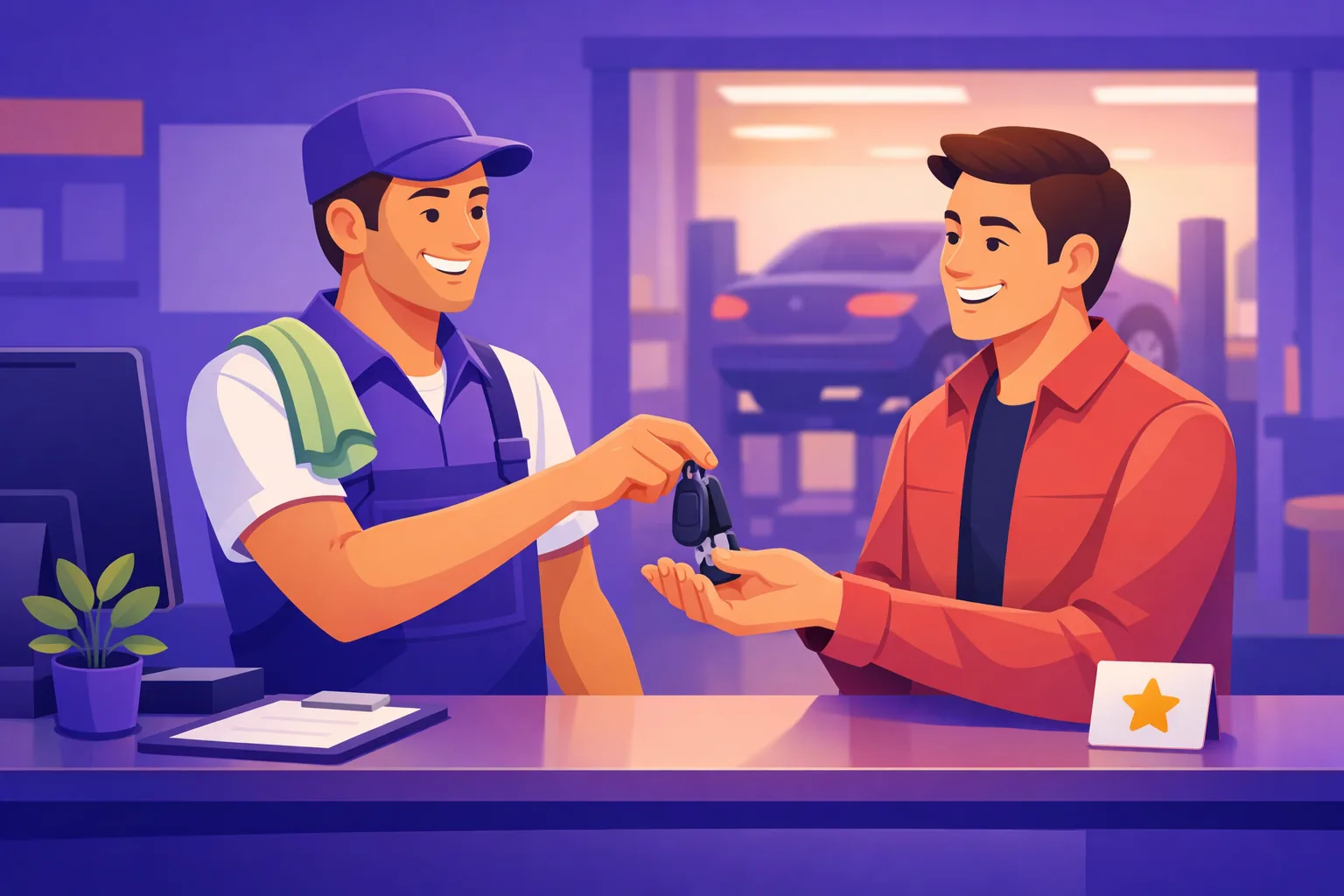
A request from the technician who just fixed the leak lands as "I did good work and I'm proud of it." The same words from someone the customer never met land as company policy. The relationship is what earns the yes, so the ask belongs to whoever built it.
Timing matters just as much, and the rule is simple: ask at the peak, not at the door. The mirror reveal at the salon. The moment the car starts. The "wow, that was fast." Our breakdown of the best time to ask for a Google review maps that moment for every business type, but your staff will feel it: it's whenever the customer visibly relaxes or says thank you first.
If the peak happens away from checkout, split the job. The technician asks in the driveway; the receipt or follow-up text carries the link.
Make It One Tap: The Ask Needs a Handoff
A spoken yes evaporates on the drive home. The second half of training is teaching staff what to do in the three seconds after the customer says "sure."

Give them two moves:
- Point at the QR code. A counter card or table tent next to the register means the customer can open your review page before the goodwill fades. You can print a free review QR code as a counter card, table tent, poster, or sticker in about a minute, and the Google review QR code guide covers how to make sure it actually scans from where it sits.
- Offer to text the link. For customers already walking out, "want me to text you the link?" catches the ones who mean it but won't remember. The review link generator gives you the direct URL plus a ready-to-send message staff can fire off in seconds.
Either way, the employee's script gets a second line: "There's a code right here if it's easier." That's it. Ask, point, done.
Put the code where the ask happens
The QR code belongs at the peak-moment location, not just the register. Salon mirror, service counter, table tent, the folder the check comes in. If staff can point at it mid-sentence, the ask and the action become one motion. The guide to where to put your review QR code walks through the 12 spots that get scanned, matched to each kind of business.
How to Train It in One Week
You don't need a training day. You need five shifts and a manager willing to go first.

- Day 1: Give everyone the line. Write it where staff will see it, say it in the huddle, and explain the why in one sentence: reviews are how new customers find us, and asking is the only reliable way to get them.
- Days 1-3: Manager models it. Staff need to hear the ask land three or four times, get a "sure!", and see that nothing awkward happens. Watching it work does more than any pep talk.
- Day 3: Two practice reps each. Roleplay feels silly and takes ninety seconds. Saying the words out loud twice is what makes them available under pressure.
- Day 4 on: Attach it to a trigger. The ask becomes a fixed step of an existing routine: after handing back the card, after the mirror reveal, after the keys. Routines survive busy days; intentions don't.
- End of week: Ask the team what happened. Which customers said yes, what felt weird, what wording they drifted to. Let the script evolve toward whatever your best asker actually says.
After that, keep it alive with a light touch. Mention a new review that names an employee in the huddle and let them enjoy it. Being praised by name in public is addictive in the best way, and it recruits your team to the cause far better than a quota ever will.
See Every Review the Moment It Lands
ReplyOnTheFly emails you each new Google review with an AI-written reply ready to approve, so review wins reach your morning huddle. Free forever.
Try It FreeWhat Not to Do
A few habits can turn a healthy asking culture into a policy problem. Train these out explicitly:
- Never pay per review. Reward the asking behavior if you want, but a bounty on reviews pushes staff to pressure customers or fake it, and incentivized reviews violate Google's review policies.
- Never screen customers first. Asking only the ones who seem happy drifts into review gating, which Google prohibits. Ask everyone whose visit went well as a matter of routine, not selection.
- Never ask twice in one visit. One warm ask plus one visible QR code is a request. A reminder at the door makes the whole visit feel transactional.
- Never argue with a no. "No worries at all" said cheerfully is part of the script too. The customer who declines gracefully today often reviews next month.
- Never have staff write reviews themselves. Reviews from employees, family, or the shop's own WiFi are the fastest route to removals.
If something went wrong with the visit, skip the ask entirely and fix the problem. A review link that hears out unhappy customers privately before they post is worth more than any script on a bad day.
The Safety Net for the Asks That Get Missed
Even a well-trained team misses asks. The lunch rush hits, a customer takes a call at checkout, someone new hasn't learned the line yet. On exactly the busiest days, the days you serve the most potential reviewers, the in-person ask is at its weakest.
That's what automation is for. ReplyOnTheFly's review requests connect to the system you already run your business on, like Square, Jobber, QuickBooks, or Acuity, and send a polite ask about a day after each visit. It spaces out requests and never re-asks someone who already reviewed, so it stays polite without anyone managing it.
The two channels cover each other. The in-person ask converts best; the automated follow-up never forgets. Together they mean every happy customer gets asked once, warmly, at a good time, and you can set it up free alongside the counter QR code. Curious what the payoff looks like? The review calculator shows how many new reviews it takes to move your star rating.
Frequently Asked Questions
How do I ask customers for reviews in person without being pushy?
Keep it to one sentence, tie it to the moment, and give them an easy way to act later. Something like "If you have a minute today, a quick Google review really helps us" feels like a favor between people, not a sales pitch. Say it once, point to a QR code or offer to text the link, and move on. The pressure people fear comes from repeating the ask or hovering, not from asking.
Why won't my employees ask for reviews?
Almost always because they don't have exact words, not because they're shy. An employee told to "mention reviews when you can" has to improvise a small sales pitch on the spot, so they skip it. Give them one short script, let them hear a manager use it for a week, and make it a fixed step at checkout. Once the words are decided in advance, the awkwardness mostly disappears.
Who should ask the customer for a review?
The person who actually served them. A request from the stylist who did the cut or the technician who fixed the leak converts far better than the same words from someone at the register the customer never met, because the relationship is what earns the yes. If a handoff is unavoidable, the asker should name the work: "Glad Maria got you sorted, a quick review mentioning her would make her day."
Can I pay or reward staff for getting reviews?
Reward the asking, never the outcome. Paying per review pressures staff to push customers, screen out unhappy ones, or fake it, and review gating and incentivized reviews violate Google's policies. A team goal for consistently asking, tracked by manager spot checks rather than review counts, keeps the behavior honest and keeps your profile safe.
What should staff do after they ask?
Remove the friction immediately. The spoken ask creates intent, but intent fades in hours, so the customer needs a way to act while they still mean it. A QR code on the counter or receipt lets them open your review page right there, and a texted link catches the ones who want to do it later from the couch.
Do in-person asks work better than automated review requests?
They work best together. A warm ask from a real person converts better than any message, but it only happens when staff remember, and busy days are exactly when they forget. An automated follow-up about a day after each visit catches everyone the in-person ask missed. ReplyOnTheFly sends those automatically from the system you already run your business on, free on every plan.
Conclusion
Teaching staff how to ask customers for reviews in person comes down to removing the improvisation. Decide the words, decide the moment, decide the handoff, and asking stops being a personality trait and becomes a habit.
Key Takeaways:
- Staff skip the ask because they have no script, so give them one exact line and let them hear it work
- The person who did the work asks, at the happiest moment of the visit, once
- Every spoken ask needs a handoff: a QR code they can point at or a link they can text
- Train it in a week: model it, two practice reps, attach it to a checkout trigger, then celebrate reviews that name staff
- Never pay per review, screen customers, or ask twice; automation catches whoever the in-person ask misses
Start tomorrow morning: write the line where the team can see it, put a code by the register, and make the first ask yourself. For the full picture on building review volume, see our guide to getting more Google reviews.
Turn Asks Into Reviews, and Reviews Into Replies
ReplyOnTheFly asks your recent customers automatically, then emails you an AI-written reply to each new review for one-tap approval. No login needed, free forever.
Start Free - No Credit Card Required- Unlimited AI drafts
- 5 free one-click posts/month
- Works from your email inbox
Written by ReplyOnTheFly Team
Content Team
Free toolNo signup
Print a review QR code
Counter cards, table tents, and stickers that open your review page. 300 DPI, ready to print.
Make my QR codeOr create a free account to automate replies
Related Articles

How to Get More Google Reviews: 15 Proven Strategies (2026)
Learn 15 actionable strategies to get more Google reviews for your business. From QR codes to email campaigns, discover what really works in 2026.

How to Ask for Google Reviews: Templates, Scripts & Tips
Learn exactly how to ask customers for Google reviews with proven email templates, SMS scripts, and in-person phrases that actually get results.

The Best Time to Ask for a Google Review
The best time to ask for a Google review is right after a happy moment, while it's fresh. Here's the timing by business type, plus how to automate it.