Service Area Business Ranking on Google Maps: How It Really Works
Google ranks a service area business from the address it verified with, not the areas you list. What the setting really does, and what expands reach.
ReplyOnTheFly Team
Content Team
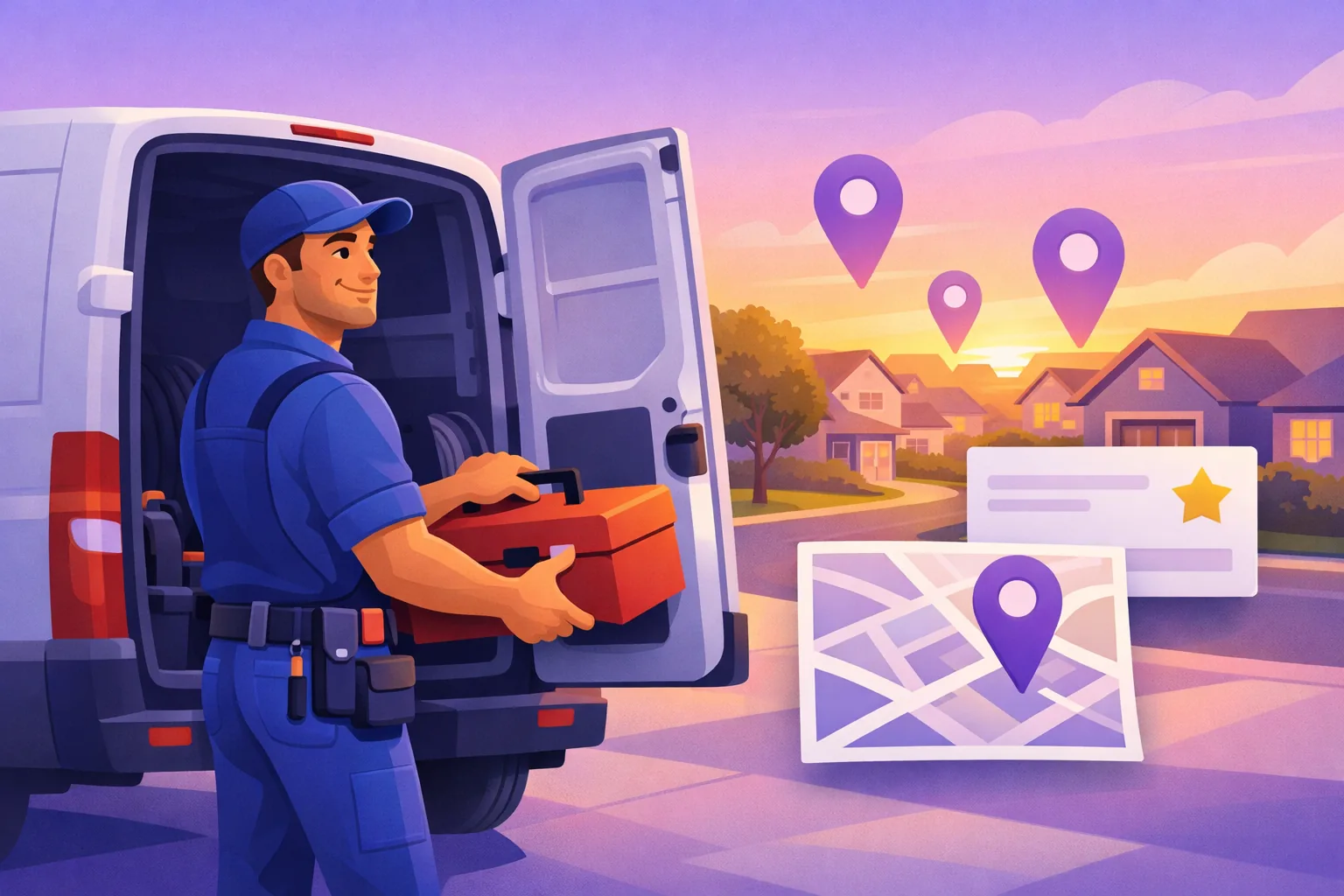
You drive to your customers. Google still ranks you as if you never leave the house.
That single fact explains almost everything confusing about service area business Google Maps ranking, including why the towns you added to your profile last year never started calling.
Quick answer
The service areas you set on your Google Business Profile are a display setting, not a ranking setting. Sterling Sky has tracked this for years, including on their own listing, and their conclusion is blunt: "The ranking is based on the address at which the business verified the listing. The only impact that the service area has is visual." Your map pack visibility radiates outward from your base, hidden or not, and fades with distance, exactly like a storefront's. What actually expands reach: the right primary category, a complete profile, a steady review flow, town-by-town pages on your website, and checking your rank from where customers stand instead of from your driveway.
Here's what the setting really does, the address rules that get profiles suspended, and the levers that genuinely widen your reach.
What Google Calls a Service Area Business
Google splits businesses that travel into two types. A service area business "visits or delivers to customers directly but doesn't serve customers at their business address": plumbers, cleaners, electricians, mobile groomers, locksmiths. A hybrid business serves customers at its address and travels to them, like a restaurant that also delivers.
The distinction decides your address rule. Google's guidance is one sentence: "If you don't serve customers at your business address, remove your address from your Business Profile." Hybrids keep the address showing and add service areas on top.
The service areas themselves are generous. You can set up to 20, by city or postal code, and Google asks only that the overall boundary stay within "about 2 hours of driving time" from where you're based.
Generous, and easy to misread. Because here's what those 20 areas actually do.
Your Service Area Setting Doesn't Move Your Ranking
The service area is a label for customers. It shows people where you're willing to travel, and it has no effect on where you rank.
This isn't guesswork. Sterling Sky, one of the most respected local SEO research firms, has tracked it across listings for years, including their own: based in Uxbridge, Ontario, with Toronto set as a service area, they rank in Uxbridge and nowhere near Toronto. Their conclusion: "The ranking is based on the address at which the business verified the listing. The only impact that the service area has is visual."

Google's own ranking documentation says local results are "mainly based on relevance, distance, and popularity," and defines distance as "how far each business is from the customer who's searching." Distance to you, not to the edge of the area you drew.
So a house cleaner based on the east side who lists 15 suburbs serves 15 suburbs, but ranks like an east-side business: strong near home, fading with every mile. That's the same proximity physics every business faces; why you only rank on one side of town covers it in depth, including the controlled test showing service-area changes produced no movement for storefronts either.
Hiding your address doesn't reset this. Google hides the pin from customers, not from itself.
The Address Rules That Get Profiles Suspended
Since the verified address anchors everything, the temptation is obvious: verify somewhere better. Resist it.
A profile verified at a virtual office, a PO box, or any address where no staff actually works violates Google's guidelines and puts the whole profile at risk of suspension. For a service area business, losing the profile means losing every review with it.
One address rule worth repeating
Verify at your real base, even if it's your house. A suspended profile with zero reviews ranks worse than an honest one in an imperfect location.
Working from home is the normal case, and Google's rules handle it cleanly: verify at home, remove the address from display, set your service areas honestly. Customers never see your street. Google still knows it, which means your hidden home address is your ranking anchor, and yes, moving house genuinely moves your rankings.
One quiet advantage of the hidden address: your consistency story gets simpler. With no public street address, the details that need to match everywhere shrink to your name, phone, and website, which makes citation cleanup a shorter job than it is for storefronts.
What Actually Expands a Service Area Business's Reach
The honest list is short, and none of it involves redrawing the map.
- Get the primary category exactly right. "Plumber" and "drain cleaning service" compete in different results. Relevance is one of Google's three stated factors, and category is its loudest input.
- Complete the profile like it's a storefront. Services with descriptions, real job photos, accurate hours. A free profile audit scores yours against 9 ranking factors in about 30 seconds and hands you the fix list. Posts belong on the profile too, in small doses: here's what a service business should post on Google and how little time it should take.
- Keep reviews flowing. Reviews are the strongest input you control week to week, and they strengthen you at every distance. The full evidence-ranked list of levers is in the playbook for ranking higher on Google Maps.
- Build a page per town on your website. The map pack is bounded by proximity; regular organic results are not. A real page for each main town you serve, describing the work you do there, competes across your whole service area in a way your profile physically can't.
- Treat your base as a business decision. If you're relocating anyway, the middle of your best market beats its far edge. It's the one ranking factor you set with a moving van.
What's not on the list: adding more service areas, re-listing the same suburbs as postal codes, or hiding and unhiding your address. All display, no movement.
Check Your Rank From Where Your Customers Stand
There's a trap built into being a service area business: when you search your own keyword to see how you're doing, you're standing on your ranking anchor. From your driveway, you look great. From the town where you want more work, which is the only place it matters, you may be invisible, and you'd never know.
The fix is to check from many points at once. A free rank check scans your keyword from 7 real neighborhoods around your city and shows your position and who outranks you in each one. That's usually the moment the proximity curve stops being abstract.
See Your Service Area the Way Google Does
Scan your keyword from 7 real neighborhoods, free. Find out where you're strong, where you fade, and who's winning the towns you want.
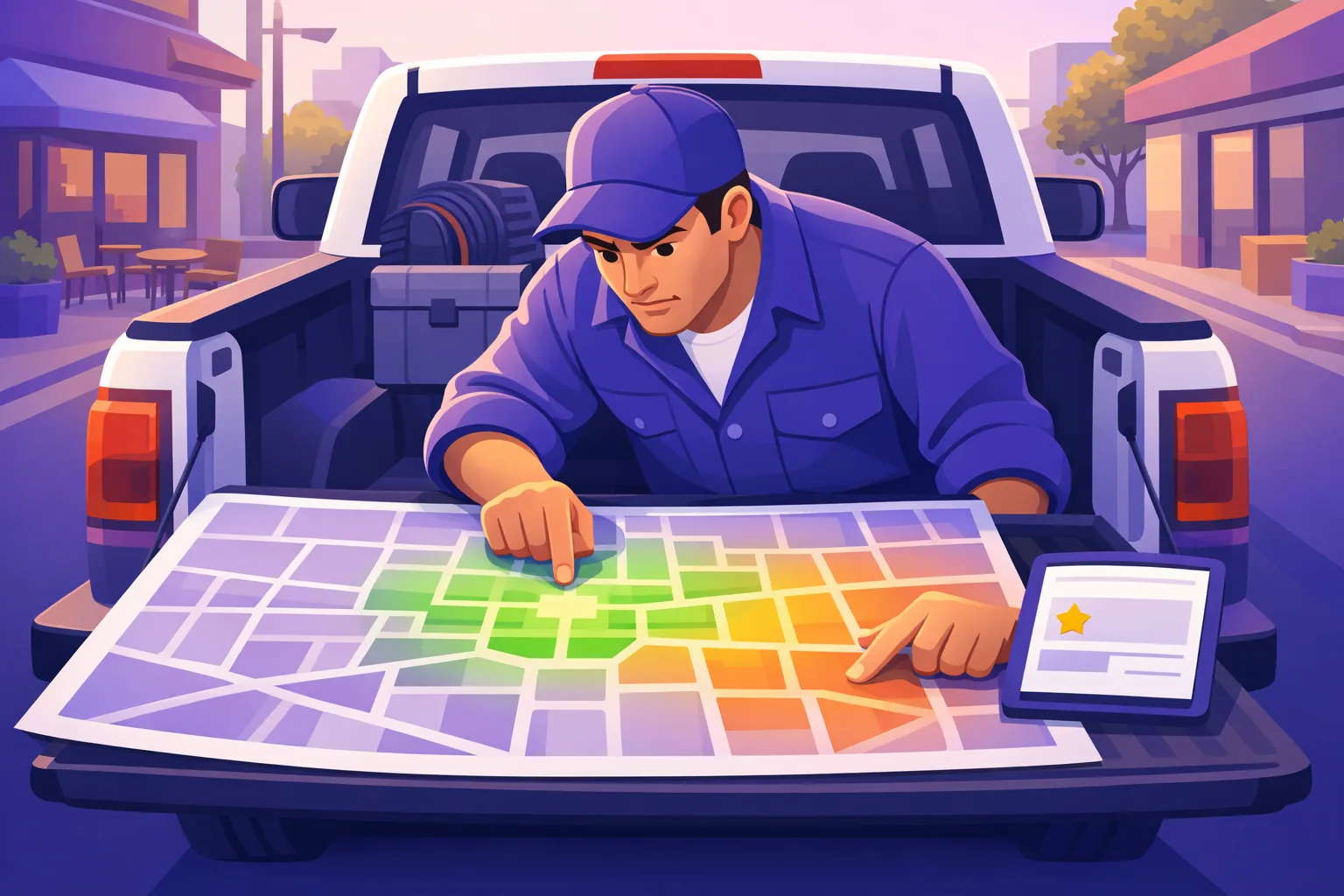
Run a Free Rank CheckTo watch the whole territory over time, a rankings heatmap rescans up to 30 neighborhoods around your base every week, and it scans both your keyword and its "near me" variant, which return different results. For a business whose whole model is territory, that map is the scoreboard: it shows whether new reviews and town pages are actually pushing your reach outward, month over month.
The Takeaway
Service area business Google Maps ranking runs on one rule: Google ranks you from the address you verified with, and everything else is presentation. The 20 areas you list tell customers where you'll drive. They tell Google nothing.
So set the service areas honestly and forget them. Put the effort where movement is possible: the right category, a complete profile, reviews arriving every week, and a page for each town you actually want. Then check your rank from your customers' streets instead of your own, because that's the version of the map your next customer is looking at.
Frequently Asked Questions
Do service area businesses show up on Google Maps?
Yes. A profile with a hidden address competes in the map pack like any other business; Google just doesn't show a pin at your location. You rank strongest near the address you verified with and fade with distance, exactly like a storefront does. If you never see yourself in the results, the usual reason is that you're checking from, or competing in, a spot too far from your base, not that service area businesses are excluded.
Does the service area I set change where I rank?
No. Sterling Sky has tracked this across listings for years, including their own profile, and their conclusion is blunt: the ranking is based on the address the business verified with, and the only impact the service area has is visual. Service areas tell customers where you're willing to travel. They don't move where Google ranks you by a single position.
Should I hide my address on my Google Business Profile?
For most service area businesses it isn't a choice. Google's rule is: if you don't serve customers at your business address, remove your address from your profile. Hybrid businesses, which serve customers on site and also travel to them, keep their address showing and add service areas on top. Either way, hiding the address doesn't change where your ranking radiates from. Google still anchors you to the address you verified with.
Can I rank in a town 30 minutes away by adding it to my service area?
Adding it to your service area changes nothing about your ranking there. Your honest options are: build a real page on your website for that town, which competes in regular organic results rather than the map pack; keep a steady flow of reviews coming so you're stronger everywhere; or genuinely operate from a second location. Verifying at a virtual office or PO box to fake a presence violates Google's guidelines and risks suspension of the whole profile.
How do I find out where I actually rank across my service area?
Not by searching from home. Your own driveway sits on top of your ranking anchor, so results checked from there flatter you. A grid scan checks the same keyword from many points across your service area at once. A free 7-neighborhood rank check shows your average position and who outranks you in each spot, and a full rankings heatmap rescans up to 30 neighborhoods weekly, covering both your keyword and its near me variant.
Win the Towns You Drive To
ReplyOnTheFly watches your reviews 24/7, writes replies in your voice for one-tap approval from email, and the free plan includes a monthly neighborhood rank scan, so you can see your whole service area the way Google does.
Start Free - No Credit Card Required- Unlimited AI drafts
- 5 free one-click posts/month
- Works from your email inbox
Written by ReplyOnTheFly Team
Content Team
Free toolNo signup
See where you rank
Scan seven neighborhoods around your business and find out who is outranking you.
Check my rankingOr create a free account to automate replies
Related Articles

How to Rank Higher on Google Maps: 12 Proven Strategies
Learn 12 proven strategies to rank higher on Google Maps in 2026. Optimize your GBP, get more reviews, and dominate local search results.

Google Maps Proximity: Why You Only Rank on One Side of Town
Google measures distance from the searcher, not from your shop. Why you rank on one side of town and not the other, and what actually widens your reach.

Local SEO Ranking Factors: What Actually Works in 2026
Which local SEO ranking factors matter in 2026: Whitespark's expert weights, Search Atlas's model data, and Sterling Sky's tests, plus five myths debunked.