Yelp Reviews Not Showing Up? How the Filter Really Works
Yelp reviews not showing up? How Yelp's recommendation software filters reviews, why asking customers backfires, and what actually helps.
ReplyOnTheFly Team
Content Team

A regular tells you she left you a five-star Yelp review last week. You open your page to read it, and it is not there. Nothing was deleted, and nobody at Yelp is out to get you. The review almost certainly got filtered.
Quick answer
Yelp reviews stop showing up when Yelp's automated recommendation software moves them to the "not currently recommended" section, reached through a small grey link at the bottom of your page. Filtered reviews stay readable there but do not count toward your star rating or review total. The usual triggers are reviewers with new or inactive accounts, solicited reviews, conflicts of interest, and over-the-top rants. No employee at Yelp can override the software, and asking customers for reviews makes filtering more likely, not less.
This post expands the Yelp section of our guide to responding to reviews on every platform. If you want the full playbook for answering the reviews that do appear, that lives in how to respond to Yelp reviews.
First, Find Out Where the Review Went
A "missing" Yelp review is almost always in one of three places, and only one of them is bad news.
Live and recommended. Brand-new reviews sometimes take a little while to appear, so if the review was written hours ago, wait before diagnosing anything.
The not recommended section. Scroll to the very bottom of your business page and look for the small grey link that says "other reviews that are not currently recommended." Click it and you will find the filtered reviews, displayed in grey. This is where most missing reviews live.
Removed entirely. Reviews that violate Yelp's content guidelines, things like hate speech, threats, or reviews of a business the person never visited, get taken down rather than filtered. This is much rarer than filtering, and it only happens through a report: our guide to removing a Yelp review covers the three reasons Yelp acts on and the evidence its moderators need.
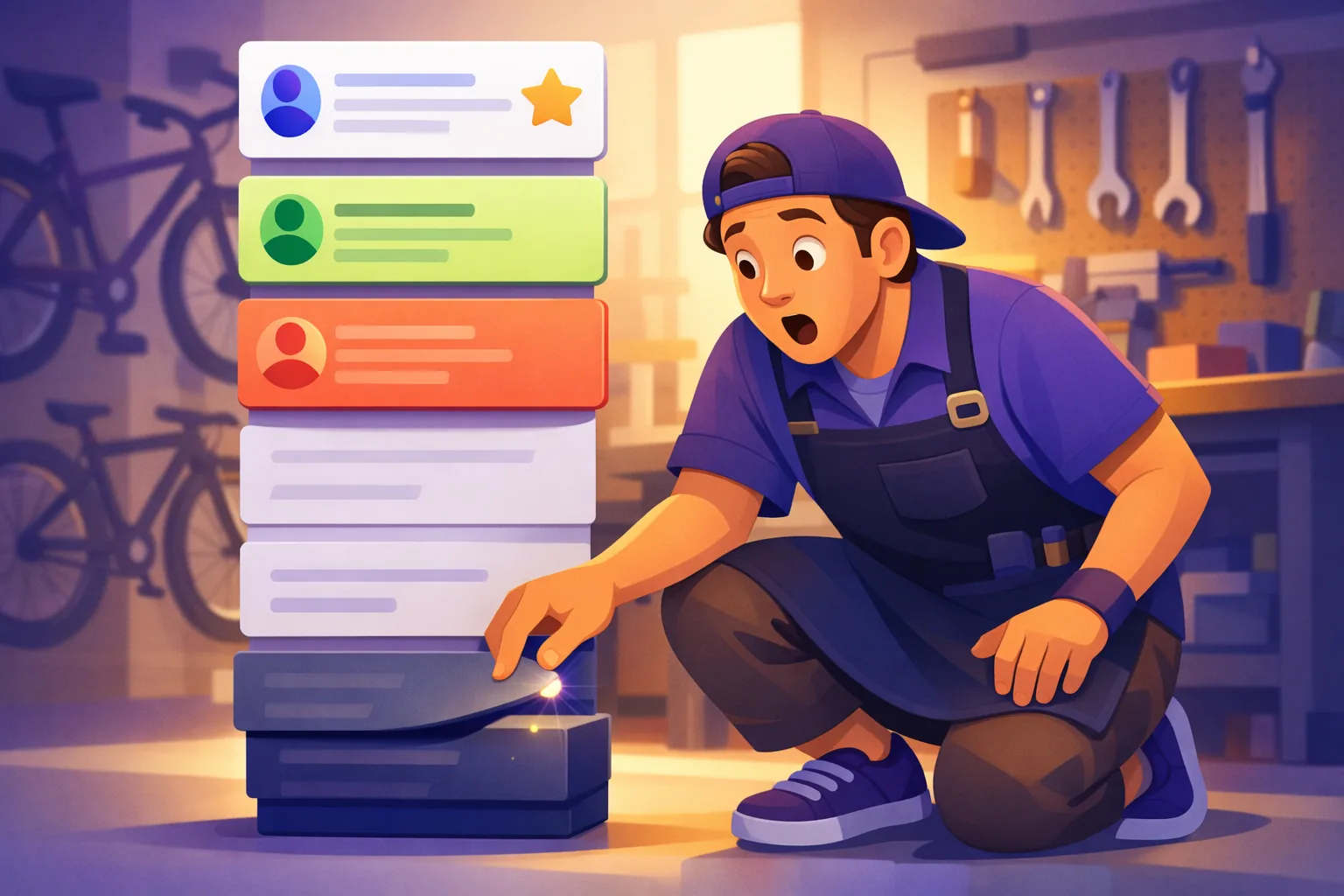
The distinction matters because the fixes are different. A removed review is gone. A filtered review still exists, still gets read by anyone curious enough to click, and can return to your main page on its own.
How Yelp's Recommendation Software Decides
Yelp calls its filter the recommendation software, and it is fully automated. It evaluates hundreds of signals of quality, reliability, and user activity for every review on the site, and it treats every business the same way.
Three facts from Yelp's own documentation are worth taking at face value:
- No human can override it. Yelp states that no employee has the ability to change the software's decisions. There is no appeal form and no support ticket that restores a review.
- Advertising changes nothing. Yelp says there is no connection between advertising and how the software treats a business's reviews. Paying for ads will not unfilter anything.
- It never stops running. The software re-evaluates continuously as it learns more about each reviewer. A review can move from recommended to not recommended, or back, months after it was written.
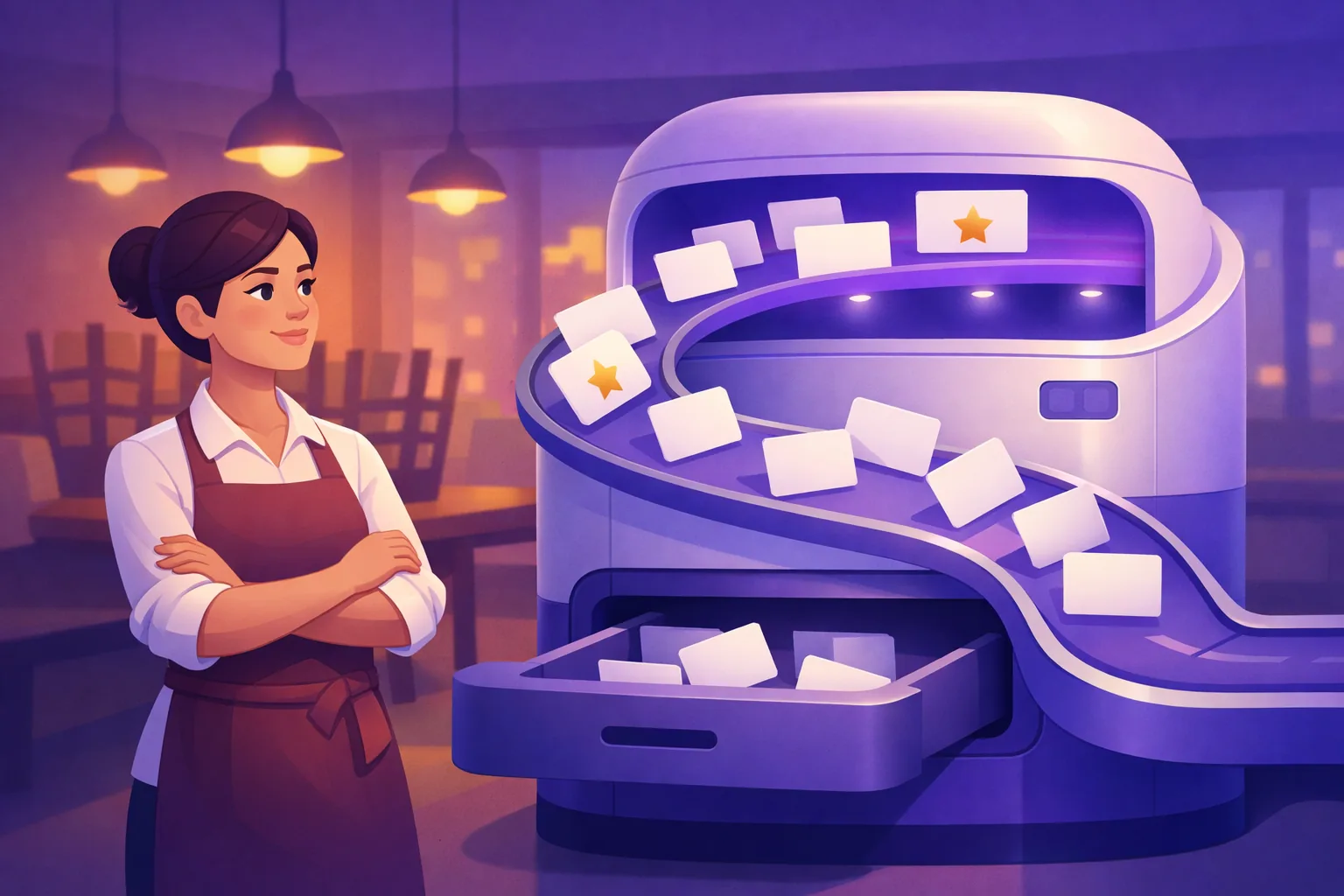
That last point answers one of the most common versions of this problem. If a review showed on your page for three weeks and then vanished, it was not deleted. The software reclassified it, often because the reviewer stopped using Yelp.
Why Yelp Reviews Don't Show Up: The Usual Triggers
Yelp describes the patterns its software screens for, and they cluster into four groups.
The reviewer is new or inactive. This is the big one. An account with no profile photo, no friends, and one lifetime review looks identical to a fake account, even when the person and the meal were completely real. Yelp's software leans toward reviewers with an established track record.
The review was solicited. Reviews that appear to have been asked for get flagged, whether or not anything was offered in return. More on this below, because it is the trap most business owners walk into.
There is a conflict of interest. Reviews from the same IP address as the business, from the owner's friends and family, or traded between business owners are exactly what the reliability signals hunt for.
The review reads as a rant or a rave. An unhinged one-star tirade and a detail-free five-star gush both look unreliable to software trained on useful, specific reviews.
The filter cuts both ways
Before assuming the filter is costing you, open your not recommended section and read what is actually in there. Most businesses find angry one-star reviews sitting in the grey pile too. The same software that hid your regular's five stars may be quietly hiding your worst review from every future customer.
Why Asking for Yelp Reviews Backfires
Yelp's guidelines are blunt: "Businesses should never ask customers to write reviews." That makes Yelp the strictest major review platform, and it is not an empty rule, because solicited reviews are one of the signals the software screens for.
The trap compounds on itself. When you ask happy customers to review you on Yelp, many of them create an account just to do it. A brand-new account posting one glowing review is the exact profile the filter catches. You asked, they delivered, and the review lands in the grey section anyway.

Google works the opposite way. Asking for Google reviews is allowed and expected, and tools like a review link generator exist precisely because a direct ask works there. If you have energy for collecting reviews, spend it where asking is legal tender. Our Google reviews vs Yelp comparison breaks down where each platform actually earns its keep.
On Yelp itself, the honest playbook is passive: a complete profile with good photos, a check-in offer if it fits your business, and service worth writing about. Established Yelpers find you on their own, and their reviews are the ones that stick.
What Actually Helps
There is no lever that unfilters a specific review, so the useful moves are all indirect.
Let time work. As a reviewer keeps using Yelp, their filtered review can graduate to your main page on its own. Reviews from your most Yelp-active customers rarely stay filtered.
Never have someone repost. A customer deleting and rewriting a filtered review creates repeat content from the same account and IP, which reads as manipulation. It makes the classification worse, not better.
Respond to what is visible. Filtered reviews cannot be answered, but every recommended review can be, and your responses are the one part of the page you fully control. A page where the owner answers thoughtfully reads as alive to the humans deciding where to eat tonight, whatever the software thinks.

Keep perspective on the stakes. Your Yelp rating is built only from recommended reviews, and so is your competitor's. Everyone plays under the same filter, and the not recommended section does not drag your stars down.
Answer Yelp Reviews in Seconds
Paste any Yelp review into the free generator and get a human-sounding reply, tuned for Yelp's community. No signup, no limit.
Try the Free Yelp GeneratorRespond Well to the Reviews That Do Show Up
Since you cannot control which reviews Yelp recommends, the highest-leverage habit is answering the ones it does. The free Yelp review response generator drafts a reply from the review text in seconds; you read it, tweak a word, and paste it into your Yelp business account.
To be clear about what is automatable: we do not monitor or post to Yelp, so on Yelp the paste is yours to do.
Google is a different story. An official API makes the whole loop dependable, so ReplyOnTheFly watches your Google reviews around the clock, writes a reply in your voice, and emails it to you for one-tap approval, no login needed. Create a free account and your next Google review arrives in your inbox with the response already written.
Frequently Asked Questions
Where can I see my not recommended Yelp reviews?
Scroll to the bottom of your Yelp business page and look for a small grey link that reads "other reviews that are not currently recommended." Clicking it opens every filtered review, shown in grey. Anyone can read them, but they do not count toward your star rating or your review total. It is worth checking this section occasionally: the filter catches harsh one-star rants as well as glowing five-star reviews, so some of the reviews hidden there may be ones you are glad to see gone.
Do not recommended reviews count toward my Yelp star rating?
No. Yelp states that reviews in the not recommended section do not factor into a business's overall star rating or review count. That cuts both ways: a filtered five-star review adds nothing, and a filtered one-star review costs nothing. Your public rating is calculated only from the reviews Yelp's software currently recommends, which is also why the rating can shift slightly when reviews move between the two sections.
Can I ask Yelp to restore a filtered review?
No. Yelp says no employee has the ability to override the recommendation software's decisions, and there is no request form or appeal process for a specific review. The software re-evaluates reviews continuously, so a filtered review can return on its own as the reviewer becomes more established on Yelp. Beyond that, the classification is out of your hands and out of Yelp's employees' hands too.
Why did a Yelp review disappear after being visible for weeks?
The recommendation software runs continuously, not once. As it learns more about a reviewer and their activity, it can move a review from recommended to not recommended, or back, at any time. A review that showed for weeks and then vanished was most likely reclassified, often because the reviewer went inactive. If the review broke Yelp's content guidelines it may have been removed entirely, but reclassification is far more common.
Does advertising on Yelp get filtered reviews restored?
No. Yelp states there is no connection between advertising and how the recommendation software treats a business's ratings and reviews, and that reviews of advertisers and non-advertisers are treated exactly the same. If a salesperson implies otherwise, they are wrong. Spending money on Yelp ads buys visibility in search and on competitor pages. It does not move a single review out of the not recommended section.
Is it against the rules to ask customers for Yelp reviews?
Yes. Yelp's guidelines say businesses should never ask customers to write reviews, which makes it the strictest major platform on this point. Solicited reviews are one of the signals the recommendation software screens for, so asking tends to produce reviews that get filtered anyway. Google is the opposite: asking is allowed and expected, so review requests, links, and QR codes belong on your Google effort, not your Yelp page.
The Bottom Line
When your Yelp reviews are not showing up, they are usually filtered, not deleted: parked in the not recommended section by automated software that no employee can override, no ad budget can influence, and no repost can outsmart.
Key Takeaways:
- Check the "not currently recommended" link at the bottom of your page before assuming a review was deleted.
- Filtered reviews do not touch your star rating, and the filter hides bad reviews as readily as good ones.
- The software runs continuously, so reviews move in and out over time, especially as reviewers become more or less active.
- Never ask for Yelp reviews. Yelp prohibits it, and solicited reviews from new accounts are exactly what gets filtered. Save the asking for Google, where it is welcome.
- Pour your effort into the part you control: responding well to every review that does appear.
For the same straight answers on Google, Facebook, Trustpilot, and TripAdvisor, head back to the full guide to responding to reviews on every platform.
Yelp Filters. Google Delivers.
ReplyOnTheFly watches your Google reviews 24/7 and emails you a ready-to-post reply in your own voice. One tap to approve, no login needed. Free forever for your first location.
Start Free - No Credit Card Required- Unlimited AI drafts
- 5 free one-click posts/month
- Works from your email inbox
Written by ReplyOnTheFly Team
Content Team
Free toolNo signup
Write this reply in seconds
Paste the review, pick your tone, get a reply that sounds like a person wrote it.
Write my replyOr create a free account to automate replies
Related Articles

How to Respond to Online Reviews on Every Platform (2026)
Google, Yelp, Facebook, Trustpilot, TripAdvisor: one reply framework for every platform, each platform's quirks, and free reply generators for all of them.

How to Respond to Yelp Reviews: Rules, Steps, and Templates
Respond to Yelp reviews the right way: claim your page, pick public comment or direct message, use ready templates, and avoid the traps Yelp penalizes.

Google Reviews vs Yelp: Which Actually Brings Customers?
Google reviews vs Yelp: which platform actually brings you customers in 2026? A clear breakdown of reach, trust, and search visibility, and where to focus.