Temporarily Closed on Google: What It Does and When to Use It
What the Temporarily closed label does to your Google Business Profile, when Google says to use it, how to remove it, and what it did to views on 52 profiles.
ReplyOnTheFly Team
Content Team
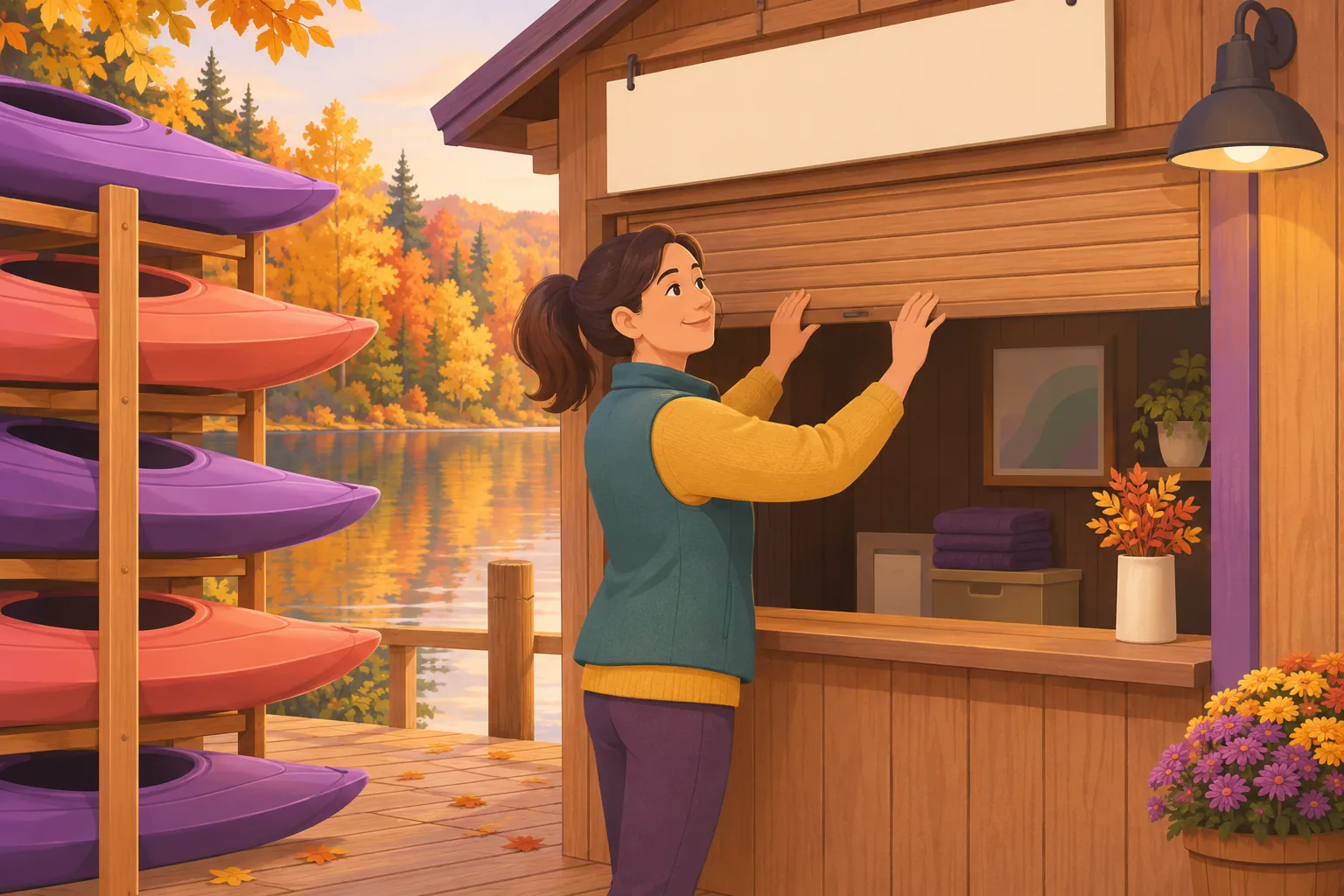
You're shutting for a kitchen refit, a winter off-season, or three weeks away. Or you're wide open, and a customer just told you Google says you're not.
Either way, the "Temporarily closed" label is now your problem. Google gives it one short help page, and that page leaves out the part owners most want to know: what the label costs you while it's up.
Quick answer
Temporarily closed on Google is a profile status for a business that is shut for now and will reopen. Google says to use it when you're "closed for more than 7 days, closed for the off-season, or closed indefinitely," and to use special hours for anything shorter. Set it under Edit profile, then Hours. Google warns that temporarily closed businesses "can rank after open businesses" for broad searches. In our data, busy profiles lost a median 92% of their views in the four weeks after the label appeared. You remove it by setting the profile back to "Open with main hours."
Here's what Google's pages say word for word, what happened to views, calls, and reviews on the 52 connected profiles that showed the label, and what to do if it appeared without you.
What "Temporarily Closed" Means on Google
It's a status, not an hours setting. Google's help page on closing a business says: "Your Business Profile displays as 'Temporarily closed' or 'Permanently closed' on Google Maps and Search."
The profile stays where it is. Your reviews, photos, and details are still there. The label sits on top of them, next to your name.
Google gives two reasons to use it. "To help customers who search for your business by name and understand that the closure is only temporary, mark it temporarily closed. This status can also help the customers with the disappointment of discovering a closure through an in-person visit."
That second reason is the real one. Someone who drives to a locked door doesn't blame Google. They blame you, and some of them say so in a review.

When to Use Temporarily Closed, and When Special Hours Fit Better
Google draws the line by length. From the same page: "If your business is closed for more than 7 days, closed for the off-season, or closed indefinitely, use the option 'Temporarily closed.'" For 7 days or less, it points you to special hours.
Google's hours page puts the line one day earlier. It says special hours are for when a business "remains closed for 6 days in a row or fewer."
So the two pages disagree about a closure of exactly seven days. In practice: up to a week, use special hours. Longer than a week, or no reopening date, use the label.
| Your situation | What Google says to use |
|---|---|
| Closed for a holiday or a long weekend | Special hours |
| Closed for a short break, up to about a week | Special hours |
| Closed for more than 7 days (refit, leave, repairs) | Temporarily closed |
| Closed for the off-season | Temporarily closed |
| Closed with no reopening date | Temporarily closed |
| Closed for good | Permanently closed |
Seasonal businesses get their own line in Google's guidelines: "During off-season, you can mark your business as temporarily closed." And when the season starts: "Set your regular business hours when your business reopens."
Two things not to do. Don't edit your regular weekly hours to show "Closed" every day, because regular hours never expire and you'll forget to put them back. And don't use the label for a three-day break. Special hours cover it, they end on their own, and our guide to setting holiday hours has the steps.

A short closure is also the one piece of this you can hand off. ReplyOnTheFly's Profile Assistant sets special hours from a plain sentence like "we're closed December 24 through 29," and shows you a before-and-after card to approve. It doesn't flip a profile between open and closed. That switch stays in your hands, in Google's own editor.
What Temporarily Closed Does to Your Visibility
Google tells you there's a cost, in a tip at the bottom of the steps: "For broad queries, temporarily-closed businesses can rank after open businesses. This ranking effect depends on factors such as business category, query type, and how many matching businesses are temporarily closed."
A broad query is a search like "pizza near me." Google's wording means you stay findable by name, and you slide down the list for everything else.
Google doesn't say by how much. So we measured it.
ReplyOnTheFly keeps a daily copy of each connected profile's status, and Google reports daily views for each profile (its count of people who saw the profile on Search and Maps). Measured November 12, 2026, across snapshots since July 23:
- 52 of 2,494 connected profiles (2.1%) showed Temporarily closed on at least one day.
- For 24 of them we saw the day the label appeared. Nine of those had at least 500 views in the four weeks before, and stayed closed for four full weeks after.
- Eight of the nine lost between 86% and 96% of their views in the four weeks after the label appeared. The median across all nine was a 92% fall.
- It happened fast. For those eight, views in the first full week were down 88% on the week before.
- Across the eight, call taps fell 93% (746 to 52), website clicks fell 95% (2,537 to 123), and direction requests fell 78% (1,946 to 432).

Three honest caveats. Nine profiles is a small group, and six of the eight belong to one seasonal leisure operator. A seasonal business also gets fewer searches once its season ends, so the label isn't the only thing pulling views down. And it worked as intended: these businesses were shut, and Google stopped sending them people.
The useful finding is in what's left. Direction requests fell the least. Eight closed businesses still drew 432 direction requests in four weeks. Some people look you up, see the label, and head over anyway.
Profiles found mostly by name moved less. Four small profiles, each under 150 views a month, lost between 26% and 53%. That fits Google's wording: name searches still find you, broad searches don't.
Then there's the ninth profile, a vehicle test centre. Its views didn't move (787 before, 791 after) and it took 181 call taps in the four weeks after the label appeared. Three months on, it still shows Temporarily closed. We can't see why, but that's what a business looks like when the label and the front door disagree.
What the Label Doesn't Do
It doesn't switch off reviews. New reviews arrived on 8 of the 52 profiles while the label was showing, 16 reviews in all. Customers can still rate you, so keep answering them.
It doesn't expire. Google's page sets no time limit, and "closed indefinitely" is one of its three named uses. In our snapshots, 28 of the 52 profiles have carried the label for 60 days or more and are still listed.
It doesn't remove the profile. Google says the label is for "customers who search for your business by name." They still find you. They just see the label first.
It doesn't tell anyone when you're back. The label has no date field. Google's guidelines suggest the description for that: "You can also indicate that your business is open only for a specific seasonal period in your business description."
How to Mark Your Business Temporarily Closed
Google's steps, from its closing help page:
- Go to your Business Profile.
- Select Edit profile, then Hours.
- In the "Business hours" section, next to "Hours," select Edit, then Temporarily closed.
- Select Save.
For several locations, Google's route is Business Profile Manager: select the locations, click Actions, then Mark as temporarily closed.
Do these three things the same day
Put your reopening date, or the months you're open, in your business description. Change the voicemail and the homepage to match. Then set a calendar reminder for the day before you reopen, because nothing on Google will remind you.
How to Remove Temporarily Closed When You Reopen
Google's reopening page says: "When you reopen your business, your profile is no longer marked temporarily or permanently closed on Google Maps and Search."
- Go to your Business Profile.
- Select Edit profile, then Hours.
- Next to "Hours," select Edit, then Open with main hours.
- Check the box next to each day you're open, and set the times.
- Select Save.
For several locations, it's Business Profile Manager again: select them, click Actions, then Open.
Do it the day before you reopen, not the week after. In our data, 20 of the 24 closures we watched begin are still showing the label, a median of 41 days in. Some of those businesses are surely still shut. The test centre above suggests not all of them are.

Do the views come back? In the two cases we could follow, yes. Two cafes, both run by one owner, closed for 11 days and 4 days. In the four weeks after reopening, both had more views than in the four weeks before they closed. Two profiles prove little, but nothing in them points to a lasting penalty.
One warning from Google's reopening page. If a profile was marked permanently closed "as part of a location or name change, do not reopen the business. Instead, add a new business."
Google Says You're Temporarily Closed, and You're Open
This is the version nobody plans for. The label is up, and you didn't put it there.
There are three ways it happens.
Someone with access set it. A manager, an agency, or you, months ago. To check who has access, open Business Profile settings, then People and access.
A member of the public suggested it. Google's Maps help page gives anyone the steps: Suggest an edit, then Place closed or not here, then Temporarily closed. Google says this "feedback helps Google Maps decide whether to change a place's operating status."
Google updated it. Google's page on profile updates says it "gathers info from different sources, like user reports and licensed content," and "may update your profile" when those sources say your info is outdated. It's the same process behind Google changing your hours.
Google's page adds: "If Google receives an update that a location is temporarily closed, you may get an email notification." The word is may, so don't count on it.
The fix is the same in every case. Reopen the profile with the five steps above. Then look for what made you look closed: a website banner about a past closure, or regular hours that show every day as closed.
Not sure what Google is showing right now? The free Google Business Profile audit flags a profile that Google is showing as temporarily or permanently closed, and takes about 30 seconds. If your views fell off a cliff and you never closed, work through the other causes in our guide to why a Google Maps ranking dropped.
Closing for a few days? Say it once.
Tell the Profile Assistant your dates in plain English and approve the special hours it sets. Your first profile change each month is free.
Start FreeTemporarily Closed vs Permanently Closed
Temporarily closed means you're coming back. Permanently closed means you're not.
Google says a permanently closed profile "may still appear on Search and Maps for users who search for it. It clearly shows that your business is closed." It's set in the same place, under Edit profile, Hours, Edit.
Don't use Permanently closed as a stronger version of Temporarily closed. And don't use either one to hide from a bad week of reviews. The reviews stay, the views go, and the profile is one of the few things still working for you while the doors are shut.
Frequently Asked Questions
What does temporarily closed mean on Google?
It's a status on a Google Business Profile that tells searchers the business is shut for now and plans to reopen. Google says the profile "displays as 'Temporarily closed'" on Google Maps and Search. Google's help page says to use it when a business is closed for more than 7 days, closed for the off-season, or closed indefinitely. The profile, its reviews, and its photos stay in place.
How long can a business be temporarily closed on Google?
Google's help page sets no time limit. It names three uses for the label: closed for more than 7 days, closed for the off-season, or closed indefinitely. In our daily snapshots of 2,494 connected profiles, 28 of the 52 that showed the label have carried it for 60 days or more and are still listed.
Why is Google saying my business is temporarily closed?
Either someone with access to the profile set it, or Google changed it. Anyone can suggest it from Google Maps through Suggest an edit, and Google says that feedback helps it decide whether to change a place's operating status. Google also says it may update a profile from sources like user reports and licensed content. Check who manages your profile, then reopen it from the Hours setting.
How do I remove temporarily closed from my Google Business Profile?
Go to your Business Profile, select Edit profile, then Hours. In the Business hours section, select Edit next to Hours and choose Open with main hours. Check the box for each day you're open, set the times, and save. Google says that once you reopen, the profile "is no longer marked temporarily or permanently closed" on Maps and Search.
Does marking my business temporarily closed hurt my ranking?
While the label is showing, yes for broad searches. Google says temporarily closed businesses "can rank after open businesses" for broad queries. In our data, eight of nine busy profiles lost 86% to 96% of their profile views in the four weeks after the label appeared. The two profiles we could follow for four weeks after reopening both had more views than before they closed.
What is the difference between temporarily closed and permanently closed on Google?
Temporarily closed says the business will reopen, and you clear it by setting the profile back to open. Permanently closed says the business is gone. Google says a permanently closed profile may still appear for people who search for it and "clearly shows that your business is closed." If a profile was closed permanently because of a move or a name change, Google says not to reopen it and to add a new business instead.
Conclusion
Temporarily closed on Google is the right setting for a closure longer than a week, an off-season, or a shutdown with no end date. It keeps people from driving to a locked door, and it costs you most of your visibility while it's up. Busy profiles in our data lost a median 92% of their views within four weeks, and calls and website clicks fell further.
So use special hours for anything up to a week. Use the label for anything longer, and put your reopening date in the description. Take it down the day before you reopen. If it appeared without you, reopen the profile first and find the cause second.
For everything else on your profile that affects whether people find you, work through the Google Business Profile optimization checklist.
Keep your hours right, even when you're closed
ReplyOnTheFly sets holiday and special hours from one sentence, shows you a before-and-after card to approve, and keeps drafting replies to the reviews that still arrive while you're shut. Free to start.
Start Free - No Credit Card Required- Unlimited AI drafts
- 5 free one-click posts/month
- Works from your email inbox
Written by ReplyOnTheFly Team
Content Team
Free toolNo signup
Score your profile
Nine real ranking factors checked in about 30 seconds. Letter grade and the specific gaps.
Audit my profileOr create a free account to automate replies
Related Articles

Google Business Profile Holiday Hours: How to Set Them (2026)
Set holiday hours on your Google Business Profile in two minutes. The exact steps, the 2026 dates Google flags, and the mistakes that keep them from showing.
Wrong Business Hours on Google: What They Cost and How to Fix Them
Wrong hours on Google cost you the customer who drove over, the one-star review, and local search visibility. What our data shows, and how to fix them.

Google Changed My Business Hours: Why It Happens and How to Fix It
Google changed your business hours without asking? Where those edits come from, how to change them back, and how to stop your profile rewriting itself.