Google Business Profile Event Posts: How to Fill a Room
Google Business Profile event posts stay up until the event ends. What Google asks for, how to write one people act on, and the three posts that fill the room.
ReplyOnTheFly Team
Content Team

Every event has the same quiet moment: the chairs are out, the room is ready, and you don't know if anyone is coming. A Google Business Profile event post is the cheapest thing you can do about that, because it reaches the people most likely to show up, the ones already looking at your business this week.
Most owners never use it. They post the event as a regular update, watch it fade in a week, and put the flyer on Instagram. This guide covers what Google asks for in an Event post, how to write one that people act on, and the three-post rhythm that actually fills a room.
Quick answer
A Google Business Profile event post is a post type with a title, start and end dates, and times, plus an optional description, photo, video and action button. Unlike a standard update, which loses its prominent spot after about a week, an Event post stays on your profile until the event ends. To fill a room, publish the Event post two to three weeks out with a real photo and a Sign up or Book button, schedule a reminder update for two days before, and post a recap with photos the day after.
Why an Event Post, Not an Update
Google offers three post types, and the difference between them is mostly time.
A standard Update is prominent on your profile for about a week, then it rotates into the archive. An Event post has a date range built in, and Google's help page is specific about what that buys you: "Posts older than 6 months are archived unless a date range is set."
Our guide to why Google posts expire covers the mechanics. The short version is that the date range is the only lever you control, and the Event type is how you pull it.
| Post type | How long it stays prominent | What Google requires |
|---|---|---|
| Update | About a week, then archived | Text, with an optional photo, video and button |
| Offer | Until the end date | A title, dates and time |
| Event | Until the end date | A title, start and end dates, and times |
So a workshop you announce three weeks out holds its place on your profile for three weeks. The same words posted as an Update would be gone before the early-bird deadline.
There is a second reason. Google describes posts as a way to help customers "decide to visit your business," and lists where they show: the "Updates" or "Overview" tabs on mobile, and the "From the owner" section on a computer, on both Search and Maps.
The person reading your event post searched for a business like yours, nearby, this week. That is exactly who you want in the room.
What Google Asks For in an Event Post
Google's posts help page defines the type in one line: "Events: Promote an event at your business." Then it lists the fields:
"Add a title, start and end dates, and times. If you don't provide a start or end time, the event shows as lasting 24 hours on the event dates. You can also include a description, photo, video, and an action button."
Three things in that paragraph matter more than they look.
The times are not optional in practice. Skip them and Google shows your two-hour tasting as an all-day event. Someone who turns up at noon for a 6 PM start does not come back.
The title is the headline. It is the one element Google requires that an Update does not have, so use it for the thing itself: "Live Jazz Friday," "Intro to Wheel Throwing," "Fall Open House." Save the adjectives for the description.
The button is where the room gets filled. Google's note on the button for an Update post says it "should direct customers to a website where they can complete the action, like make a booking, order online, or learn more," and the same logic holds for an event. That means a Sign up or Book button to your reservation page. Without it, the reader has to remember to come back.
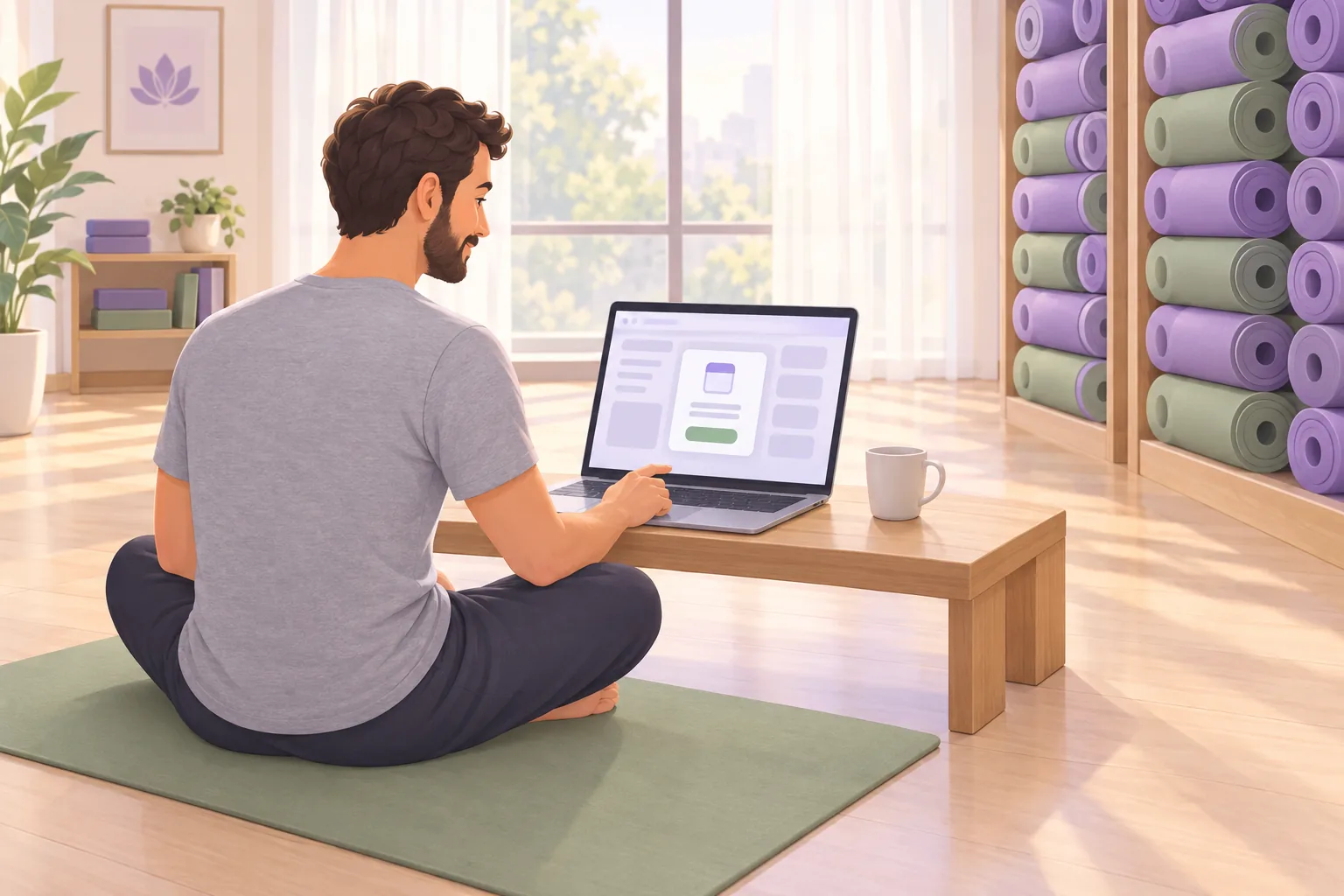
One more thing worth knowing if you run a cafe, bar or restaurant. Google says "posts about events, deals, or specials may automatically show on your Business Profile on mobile," drawn from your social media channels or from posts you've created, and that this "is currently available in English for single-location food and drink businesses in the US, UK, Canada, Australia, and New Zealand." For those businesses, an event post can appear right where a stranger is deciding where to eat tonight.
How to Create a Google Business Profile Event Post
Here is the process, following Google's own steps.
- Go to your Business Profile by searching your business name while signed in to the account that manages it, or open the Google Maps app.
- Select Posts, then Add post, then Event.
- Enter the title, start and end dates, and the start and end times. Use the real times. This is the step most people skip, and it is the one that puts an all-day label on a two-hour event.
- Write the description. Two or three sentences. The next section covers what goes in them.
- Add a photo or video and a button. Google lets you add more details through the available options, like Button.
- Schedule it. Google says: "If you want to schedule your post to publish at a later time, turn on Schedule this post, then select the date and time you want the post to publish."
- Set it to repeat if it recurs. For a weekly class or a monthly market, Google says to use the "Repeats" dropdown menu to "select how often you want your post to show up, such as weekly, monthly, or a custom schedule."
- Select Post. If you manage several profiles, Google asks whether to share the post across them or Skip to post on one.
After you publish, Google reviews the post against its content policy. The status will show Live, Pending or Not approved. Pending, in Google's words, means "it's either in the upload stage, the processing stage, or your profile is unverified." If your profile has never been verified, no event post will go live, no matter how good it is.
Edit the post if details change
Google's own tip: "If details change, you can always edit a post to keep info up-to-date." A moved start time or a new room is an edit, not a new post. Editing keeps the original in place with its date range intact.
Writing an Event Post People Act On
An event post is not a flyer. A flyer is read by people walking past. An event post is read by someone who already searched for what you do, with a button under their thumb. Write for that person.
Lead with the when and the what. "Saturday, November 15, 6 to 8 PM. Our first wine and cheese tasting." The reader can decide whether they are free before they read another word.
Give one reason to come, not five. The guest, the thing they will leave with, the price if it is free. "Six Oregon pinots, poured by the winemaker. Free, 20 seats." One concrete detail does more than a paragraph of enthusiasm.
Say whether to book. If seats are limited, say so and point the button at the booking page. If it is drop-in, say that too. Uncertainty keeps people home.
Leave the phone number out of the text. Google's content policy says: "To avoid fraud or abuse, we may remove posts with unverified contact information. This includes phone numbers, email addresses, and social media handles." Google's suggested fix is the button: "attach a Call now button to your post. This uses your verified Business Profile phone number so customers can contact you."

Use a photo of the last one, not the poster. The best event photo is the room when it was full: the long table at the last workshop, the band mid-set, the open house with people in it. Google's tips for posting media ask you to "avoid adding elements such as borders, text, or collaged images," which rules out the flyer anyway.
Our guide to which post photos get clicked covers the rest. If you are unsure whether a given image reads as a photo or a graphic, the free Google Business photo checker will tell you.
There is one more reason to be precise, and it comes from reviews. We looked at 237,304 English-language reviews across 1,554 businesses connected to ReplyOnTheFly. The 1,398 that mention an event (trivia, live music, a workshop, an open house, a tasting, a festival) average 4.39 stars, against 4.60 for everything else.
| Reviews from 1,554 businesses | Average rating | Five-star share |
|---|---|---|
| Mention an event | 4.39 | 76% |
| Everything else | 4.60 | 83% |
Events are judged harder, because more can go wrong: a line at the door, no seats left, a start time that slipped. A post that sets expectations, when doors open, whether to book, how long it runs, is the first line of defense against the three-star review that says "we showed up and it was packed."
The same reviews carry the good news. Reviews that mention an event are more likely to also say "first time" or "never been" than reviews that don't, 2.6% against 2.0%. A small share, but it is the whole point of an event: it is the night strangers walk in.
The Three Posts That Fill a Room
One post, published once, is a notice. Three posts, timed around the date, are a campaign. Here is the rhythm that works for a shop, a studio or a bar.
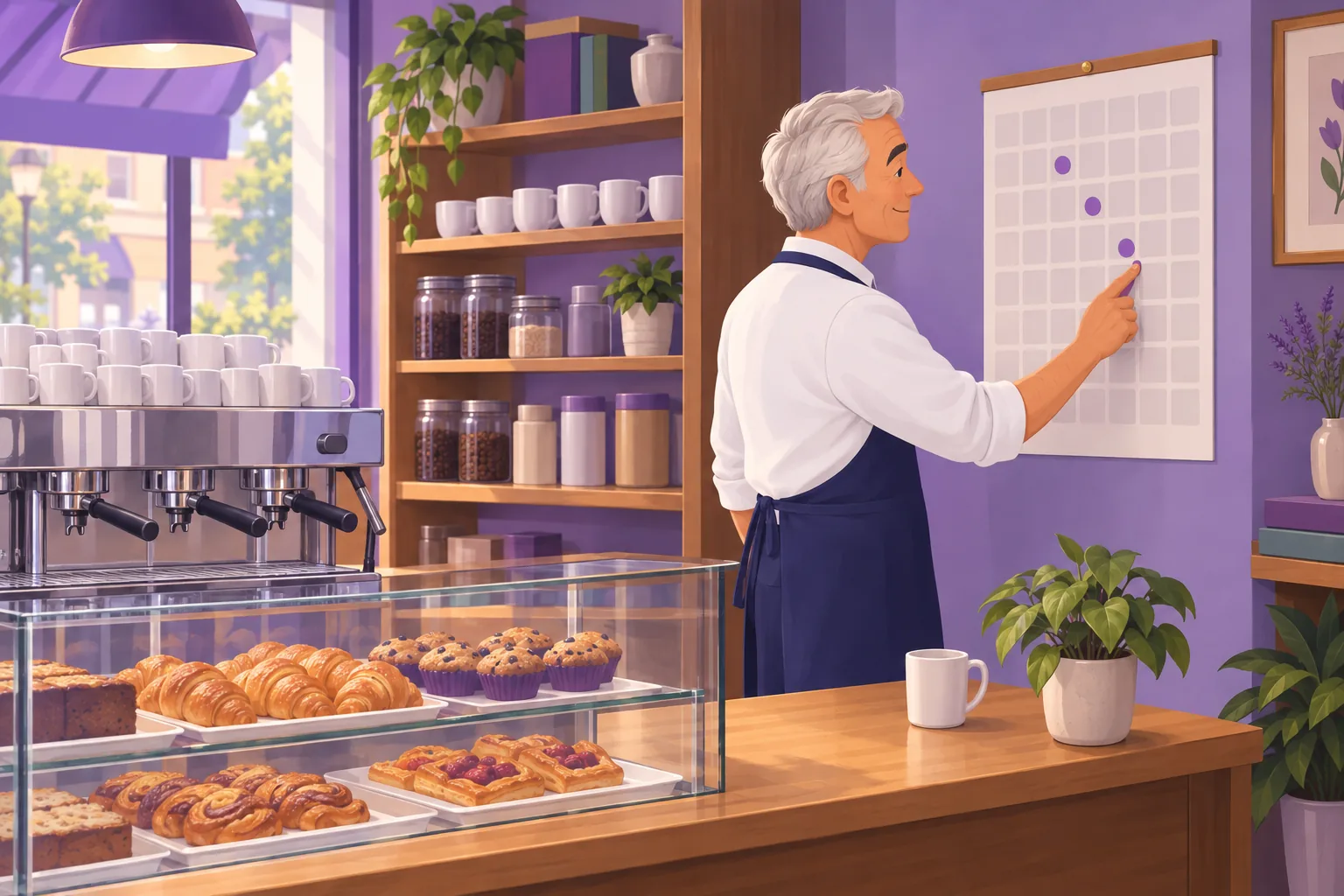
1. The announcement, two to three weeks out. This is the Event post, with the full date range, the photo of last time and the Sign up or Book button. It stays on your profile until the event ends, so it does the long, slow work of catching everyone who looks you up between now and then.
2. The reminder, two days before. A short Update, not a second Event post: "Saturday's tasting has 6 seats left. Doors at 6." A reminder catches the people who saw the announcement, meant to book, and didn't. It is the post that brings in the late signups.
3. The recap, the day after. Another Update, with three photos from the night. It thanks the people who came, shows the people who didn't what they missed, and gives you next month's "photo of the last one." Our 52 post ideas list has the recap as its own category for a reason.
The announcement lives in Google's editor, because that is where the Event type with its date range is. The reminder and the recap are ordinary Updates, and those you can write on the same afternoon and schedule.
Owners already work this way when the tool lets them. Of the 629 posts that owners have scheduled themselves through ReplyOnTheFly, 92% were set for a future date, a median of 11 days ahead. The only question is whether the follow-ups get written while the event is still on your mind.
Write the reminder and the recap today
Schedule your own Google posts on a calendar: write them yourself or give the AI a topic, attach a photo from your profile, and pick the date. One post a month is free, forever.
Schedule a post freeThe SEO Post Scheduler publishes Update posts on the date you choose, so the two-days-before reminder and the day-after recap go out whether or not you are standing at the counter that day. The Event post itself is a two-minute job in Google's editor, done once.
The Rules That Catch Event Posts
Event posts fail for the same reasons every post fails, plus two that are specific to the kinds of businesses that run events.
Regulated industries. Google's tips for posts say: "You can use posts if you offer products or services in a regulated industry, but do not include content about the products." The industries Google lists include alcohol, tobacco, pharmaceuticals, gambling, weapons and financial services. For a bar, that means trivia night is a fine Event post, and the drink special attached to it is not. Post the night, leave the two-for-one out, and handle the deal at the door.
Hotels. Google's content policy says: "Hotels can't create 'offer' posts, or any post that mentions or includes links to deals, promotions, special offers, or discounts." An event is still allowed. A hotel can post its rooftop jazz night or holiday brunch as an Event, as long as the post doesn't carry a deal.
Phone numbers in the text. Covered above. Google's help page calls this one out by name, so use the button.
The photo. In our data on posts Google refused, the image was the stated reason every time Google gave one, and most of those files were under Google's 250-pixel minimum. A flyer exported from a phone app at thumbnail size is exactly the file that fails.
If a post comes back Not approved, Google says the question mark next to the status indicates which content policy the post violates. Fix that one thing and republish, rather than appealing a post you can simply correct.
Recurring Events
A weekly class, a monthly market, a trivia night every Thursday. You have two ways to handle them, and the choice depends on how often the details change.
If nothing changes week to week, use the Repeats dropdown Google describes, so the post republishes itself on the schedule you set. Set the event's dates and times to a single occurrence, the real night, not a six-month range, so the post never claims your trivia night runs all day for half a year.
If the details change, a different band each Friday, a different theme each month, write each one as its own Event post and schedule it in advance. That is more work, and it is also more useful to the reader, who wants to know who is playing this Friday, not that you have music in general. Our Google posts for restaurants guide builds a month around exactly this slot.
How to Tell If the Event Post Worked
You will know by the room, which is the honest answer. But there are three numbers worth checking afterward.
The post's view count. Google shows a view count on each post in your profile since September 2026. Our guide to post views covers what that number can and can't tell you, but for an event it answers the first question: did anyone see it?
Button clicks. Add UTM tags to the booking link, and the clicks show up in your website analytics as their own source. If the post had 400 views and the booking page had 30 visits from it, you know the post did its job and the room is on the booking page to fill.
Who came. Ask at the door how they heard about it. The ones who say "I saw it on Google" are the ones your event post reached. Then watch the reviews in the week after. The "first time here" lines are the ones that pay for the chairs.

The Takeaway
A Google Business Profile event post is the one post type that stays on your profile for as long as you need it to, and it reaches the people most likely to come: the ones who searched for a business like yours this week. Give it the real times, a photo of last time and a button, and it will do the long work of catching everyone who looks you up between now and the date.
Then post the reminder two days before and the recap the day after. Three posts, one event, a fuller room. For everything else posts can do on your profile, start with our complete guide to Google Business Profile posts.
Frequently Asked Questions
How long do Google Business Profile event posts stay up?
Until the end date you set. Google's help page says posts older than 6 months are archived unless a date range is set, and an Event post has one by definition. That is the practical difference from a standard Update, which rotates out of the prominent spot on your profile after about a week. An event you announce three weeks out holds its place on your profile for all three weeks, then it archives after the event ends.
Can I schedule a Google Business Profile event post in advance?
Yes. In the post editor, Google says to turn on Schedule this post, then select the date and time you want the post to publish. For something that happens every week or month, the Repeats dropdown lets you choose how often the post shows up, such as weekly, monthly, or a custom schedule. Scheduling the reminder and the recap at the same time as the announcement is the easiest way to make sure they happen.
Why isn't my event post showing up on Google?
Check its status in your profile. Google lists three: Live, which shows on Search and Maps; Pending, which Google says means the post is in the upload stage, the processing stage, or your profile is unverified; and Not approved, which means it violated the posts content policy. An unverified profile is the most common reason an event post never goes live. If the status is Not approved, the usual causes are a phone number in the text, a photo smaller than 250 pixels, or product content from a regulated industry.
Do Google Business Profile event posts help local SEO?
Not directly. Google's ranking guidance names relevance, distance and prominence, and the one controlled test we know of found no ranking change after nine weeks of posting. What an Event post does is convert people who already opened your profile. Someone who searched for a bookshop, a yoga studio or a bar near them and sees a dated event with a button has a reason to come this week, which is a better outcome than a ranking position.
What photo size should I use for a Google event post?
Google's photo guidelines say JPG or PNG, between 10 KB and 5 MB, with a minimum of 250 pixels on each side and 720 by 720 recommended. In our own data on posts Google refused, the photo was the stated reason every time, and most of those files were under the 250-pixel minimum. Use a real photo of the event or the space, not a text-heavy flyer, which Google's media tips ask you to avoid.
Can a bar or a hotel post events on Google Business Profile?
Yes, with limits. Google says you can use posts if you offer products or services in a regulated industry, but do not include content about the products. So a bar can post trivia night or live music, but not the drink special that goes with it. Hotels have a separate rule: Google says hotels can't create offer posts, or any post that mentions or includes links to deals, promotions, special offers, or discounts. An event with no deal attached is fine.
Post the reminder and the recap without remembering to
ReplyOnTheFly schedules your Google Business Profile posts on a calendar, writes them from a topic if you want, attaches your own photos, and publishes on the date you pick. One post a month is free, forever.
Start Free - No Credit Card Required- Unlimited AI drafts
- 5 free one-click posts/month
- Works from your email inbox
Written by ReplyOnTheFly Team
Content Team
Free toolNo signup
Write this reply in seconds
Paste the review, pick your tone, get a reply that sounds like a person wrote it.
Write my replyOr create a free account to automate replies
Related Articles

Google Business Profile Posts: Complete Guide for Local SEO
Learn how to use Google Business Profile posts to boost local SEO. Covers post types, best practices, frequency, and how automation saves time.
Do Google Posts Expire? Why Yours Disappear After a Week
Your Google Business Profile post vanished after seven days. It wasn't deleted. Here's where posts go, how long each type lasts, and how to keep one visible.

Google Business Profile Offer Posts: Write Offers People Redeem
Offer posts outlive every other Google post type, and almost nobody runs one. How to write the deal, the deadline, and the terms so people redeem it.